.svg)


As organizations adopt Terraform for Infrastructure as Code, one common challenge is bringing existing resources under management without recreating them. Historically, Terraform required the terraform import CLI command, which maps existing cloud resources to Terraform state. While effective, this approach is procedural and external to the configuration, requiring engineers to run commands manually for each resource.
With Terraform 1.7 and later, a new declarative import block syntax has been introduced. This allows teams to define imports directly within Terraform configuration files, aligning imports with the same declarative mindset as other Terraform resources. By embedding imports in code, organizations gain repeatable, auditable, and automated workflows, reducing manual steps and integrating imports seamlessly into CI/CD pipelines.
What Is the Import Block?
The import block is a new Terraform construct that allows engineers to declare resources that should be imported into state, without requiring CLI commands during initial provisioning. It specifies the resource address, provider, and the unique identifier of the existing resource in a fully declarative manner.
Unlike CLI imports, which are executed imperatively and require manual execution, import blocks reside in the .tf configuration. When Terraform runs plan or apply, it automatically ensures that the resource is imported into state before managing it, streamlining team workflows and reducing human error. Import blocks effectively treat existing resources as part of the Terraform configuration, without duplicating or recreating them.
Import Block Syntax
A typical import block looks like this:
In this example:
- import declares that a resource should be imported.
- "aws_s3_bucket.my_bucket" is the Terraform resource address.
- id is the unique identifier of the resource in AWS.
Import blocks can coexist with the corresponding resource block in the same configuration file. Terraform will map the imported resource to the defined resource block in state, allowing subsequent terraform plan and apply operations to manage it declaratively.
Import Block vs CLI Import
The import block and CLI import achieve the same end: bringing existing resources into Terraform state. However, they differ in workflow:
- CLI Import: Requires manual execution for each resource. Commands are external to the configuration, and scripts are often needed for bulk imports. Example:
terraform import aws_s3_bucket.my_bucket my-existing-bucket
- Import Block: Fully declarative within Terraform files. No manual command execution is required during initialization or CI/CD runs. Terraform automatically imports the resource during plan or apply if it’s not already in state.
By embedding imports in code, teams achieve better repeatability, auditability, and integration with automated pipelines.
Generating Configuration with -generate-config-out
Terraform provides the -generate-config-out flag for the import block, which helps generate skeleton configuration files for existing resources. This is particularly useful when importing large or complex resources, as it produces Terraform code that mirrors the current state:
terraform import -generate-config-out=import.tf aws_instance.web_server i-0abcdef1234567890
This command generates an import block that you can directly include in your configuration, minimizing manual effort and reducing misalignment between state and configuration.
Import Block Examples
Importing an AWS S3 Bucket
The above block ensures that the existing S3 bucket company-logs-bucket is brought into Terraform state. After import, you can manage bucket policies, versioning, and lifecycle rules declaratively.
Importing an Azure Resource Group
This allows the Terraform configuration to manage an existing Azure resource group as if it were created by Terraform, aligning with IaC principles.
Limitations of Import Blocks
While import blocks streamline workflows, there are some limitations:
- Configuration Must Exist: You need a resource block that matches the imported resource. Terraform does not automatically generate it.
- Provider Support: Not all providers or resource types currently support import blocks. Check the provider documentation before relying on them.
- Complex Dependencies: Import blocks do not automatically infer relationships between resources; you may need to adjust modules or references manually.
- Bulk Imports: Large-scale bulk imports still require scripting or CI/CD pipelines, although import blocks simplify repeated imports once configuration exists.
Best Practices for Using Import Blocks
- Align Configuration with Existing Resources: Ensure attributes in the resource block match the live resource to prevent unexpected plan diffs.
- Use Remote State: Always store state in a remote backend with locking to prevent concurrent import conflicts.
- Test in a Staging Environment: Validate import blocks in non-production environments first.
- Document Imports: Maintain a record of imported resources, IDs, and their corresponding blocks.
- Combine with CI/CD: Integrate import blocks into automated pipelines for reproducible, auditable deployments.
- Leverage env zero: Use governance tools to enforce review, access control, and drift detection for imported resources.
Integrating Import Blocks with env zero
When teams adopt import blocks at scale, governance becomes critical. Env zero provides plan approvals, role-based access controls, and auditing to ensure that imports do not introduce misconfigurations. Teams can automate imports through CI/CD pipelines while maintaining visibility and compliance. For enterprises, combining declarative import blocks with env zero ensures imports are predictable, secure, and aligned with organizational policies.
Summary
The Terraform import block represents a major improvement for teams adopting Infrastructure as Code in environments with existing resources. By allowing declarative imports directly in configuration files, teams reduce manual steps, enforce repeatable workflows, and improve auditability. While the CLI import remains useful for ad hoc operations or bulk imports, import blocks provide a structured, integrated, and team-friendly approach. Following best practices, validating configurations, using remote state with locking, and integrating with governance tools like env zero ensures that Terraform imports are both safe and reliable. Teams can now manage legacy resources declaratively, bringing them fully under Terraform’s control while benefiting from automation, collaboration, and compliance.
FAQs
What is the Terraform import block and how does it differ from the CLI import?
The Terraform import block is a declarative syntax introduced in Terraform 1.7 that lets you define imports directly within your .tf configuration. Unlike the traditional terraform import CLI command, which you must run manually for each resource, an import block lives in your code and tells Terraform to import a resource automatically during plan or apply if it isn’t yet in state. The CLI import is imperative — you run it manually; the import block is declarative and part of your configuration, making it repeatable and easier to automate.
Do I need to use the import block to manage existing resources with Terraform?
Not necessarily. The import block is an optional feature that simplifies and automates bringing existing resources under Terraform management, but you can still use the traditional terraform import CLI command. The import block helps when you want imports to be part of your workflow, especially in automated pipelines, but the CLI approach is still valid and sometimes preferred, particularly for ad hoc or one‑off imports.
Can the import block generate configuration automatically for existing resources?
Terraform does not generate full resource blocks automatically just because you added an import block. The import block links an existing resource to a resource address in your configuration, but you must write or adjust that resource block manually so that, after import, terraform plan and apply reflect the correct desired state. The -generate-config-out flag helps by producing skeleton configuration that represents the current resource state, which you can then refine.
Which providers support the import block syntax?
Most major providers that support the traditional terraform import CLI also support import block syntax, including AWS, Azure, and Google Cloud. However, support may vary by resource type and provider version, so checking the provider documentation for the specific resource you plan to import is always recommended. Because the import block feature is newer, some less common providers or resource types may not fully support it yet.
What identifiers do I need for an import block?
Import blocks require the same identifiers as the CLI import — namely, the unique ID used by the provider for a resource. For AWS, this might be an instance ID or bucket name; for Azure, it is typically the full resource ID including subscription and resource group; for Google Cloud, it could be a project and resource name combination. The import block maps that provider ID to the Terraform resource address so Terraform knows exactly which resource to import into state.
Can I use import blocks for bulk imports?
Import blocks make it easier to define declarative imports, but bulk imports still require planning. You can create many import blocks in your configuration, or generate them using scripts and automation tools. Alternatively, you may script CLI imports and then convert them into import blocks once the resources are imported. In both cases, automation through CI/CD systems helps reduce manual effort and ensures consistency.
What happens if the import block fails during a plan or apply?
If an import block fails — most commonly due to mismatched identifiers, missing provider support, or incorrect configuration — Terraform will return an error and halt the plan or apply. In that case, you should verify that the resource exists, that the resource address matches your configuration, and that the provider supports import for that resource type. Running terraform plan regularly before applying changes helps catch mismatches early.
Do I need a remote backend when using import blocks?
Yes. While a remote backend is not strictly required to use import blocks, it is best practice for team environments. A remote backend allows state to be centralized, supports locking so concurrent operations do not corrupt state, and enables versioning for recovery. These features become especially important when running import blocks as part of automated pipelines or in environments where multiple engineers may interact with the same infrastructure.
Can I revert an import block if I change my mind?
You can remove an import block from your configuration without affecting the resource itself — Terraform will simply stop ensuring it is managed in that way in future plans. However, removing the block does not remove the resource from state automatically. To remove the association from state, you would need to use commands like terraform state rm. Always back up state before modifying import blocks or state directly.
How do import blocks work in automated pipelines?
In CI/CD pipelines, import blocks offer a powerful advantage: they allow imports to be part of the same declarative Terraform run that manages other resources. Instead of manually running CLI imports, teams can commit import blocks into their configuration and then run terraform init, terraform plan, and terraform apply in automation jobs. This approach improves consistency, auditability, and repeatability. Coupled with governance tools like env zero, teams can enforce review gates and approvals for imports just like any other Terraform change.
Should I always document import blocks in code?
Yes. Because import blocks represent existing infrastructure brought under Terraform control, documenting them clearly in code — with context on why the import was done, what resource is being imported, and any caveats — helps other engineers understand your state and configuration. Clear documentation also helps during onboarding, audits, and future troubleshooting when resources may need to be reviewed or adjusted.

Related Content
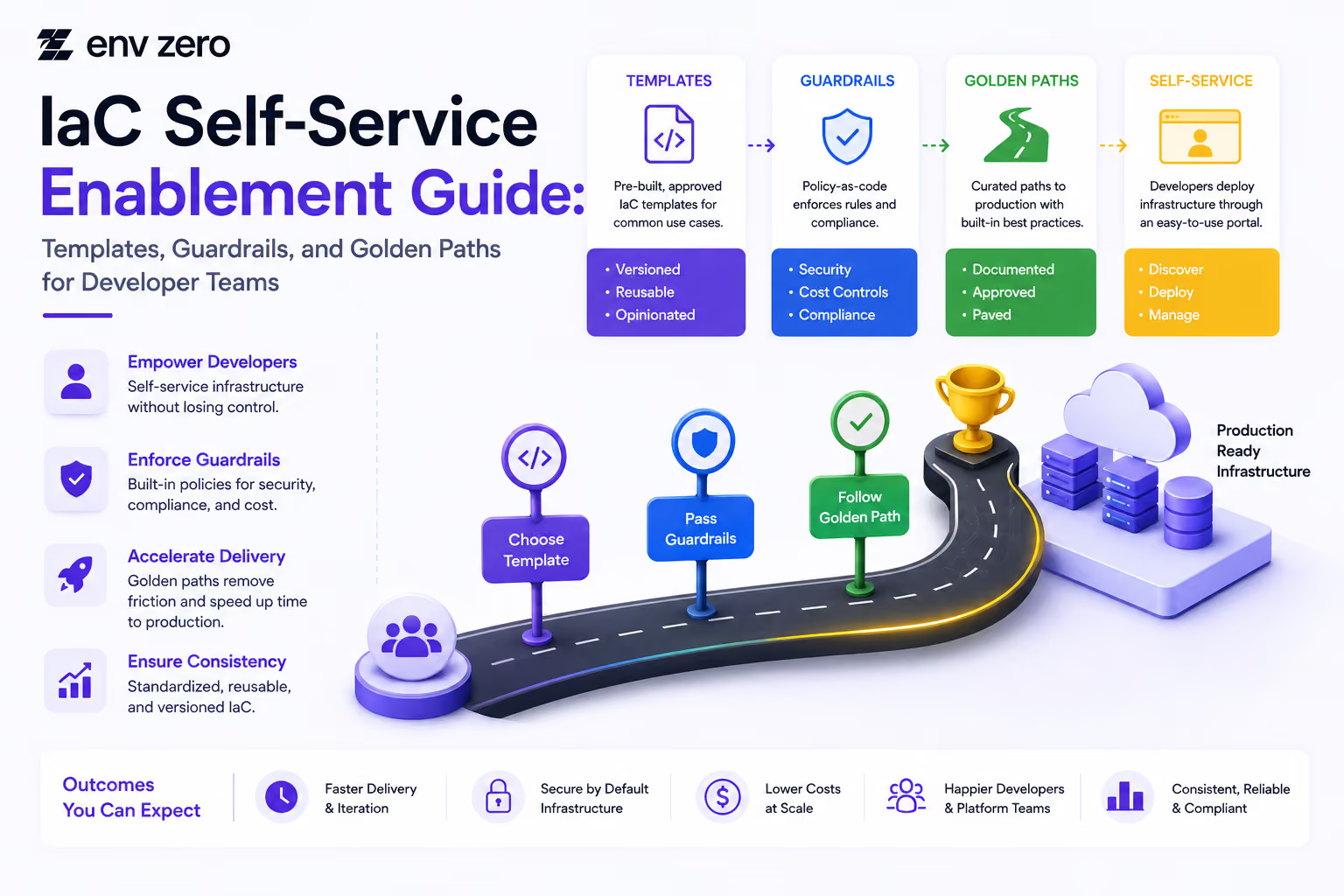
IaC Self-Service Enablement Guide: Templates, Guardrails, and Golden Paths for Developer Teams
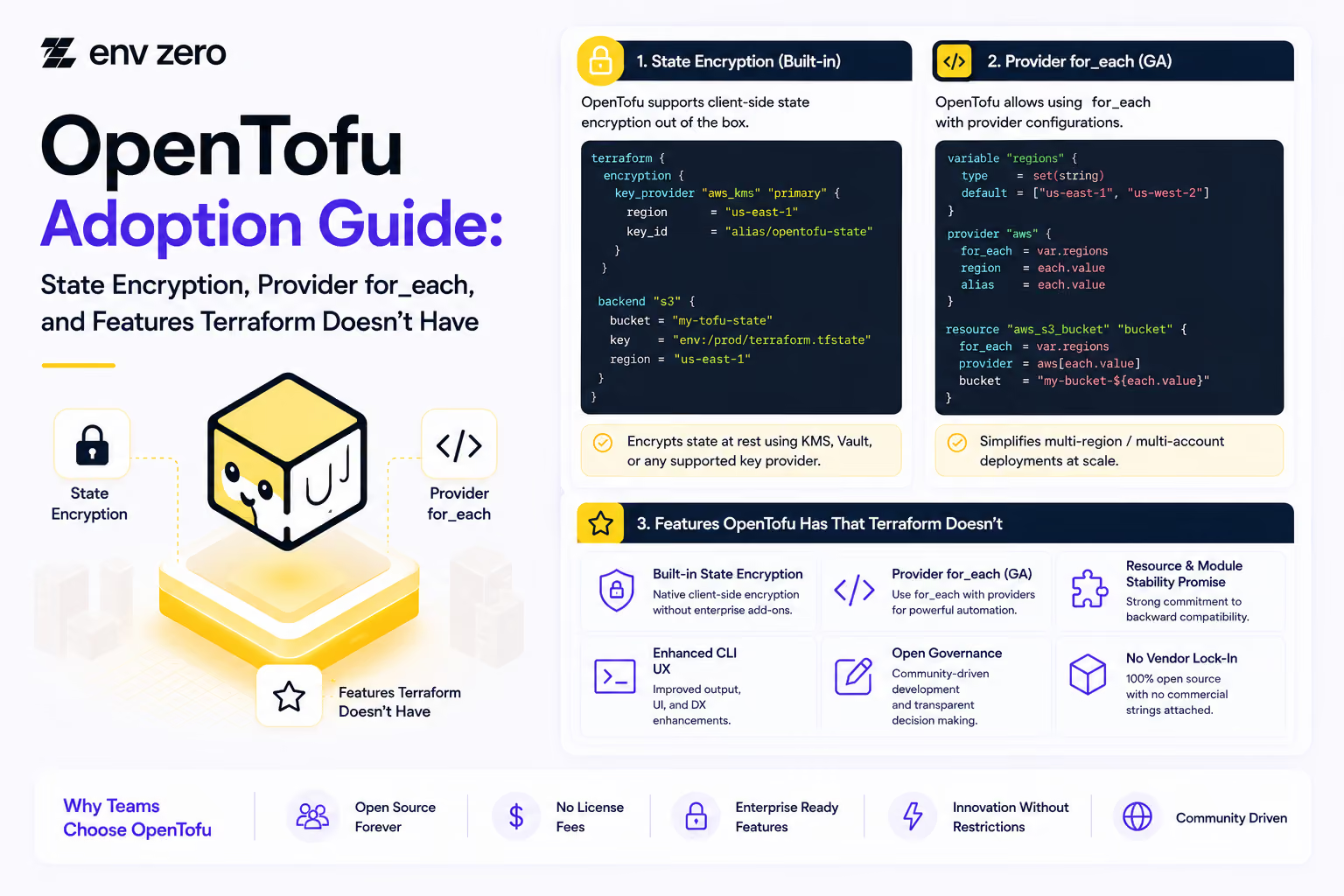
OpenTofu Adoption Guide: State Encryption, Provider for_each, and Features Terraform Doesn't Have
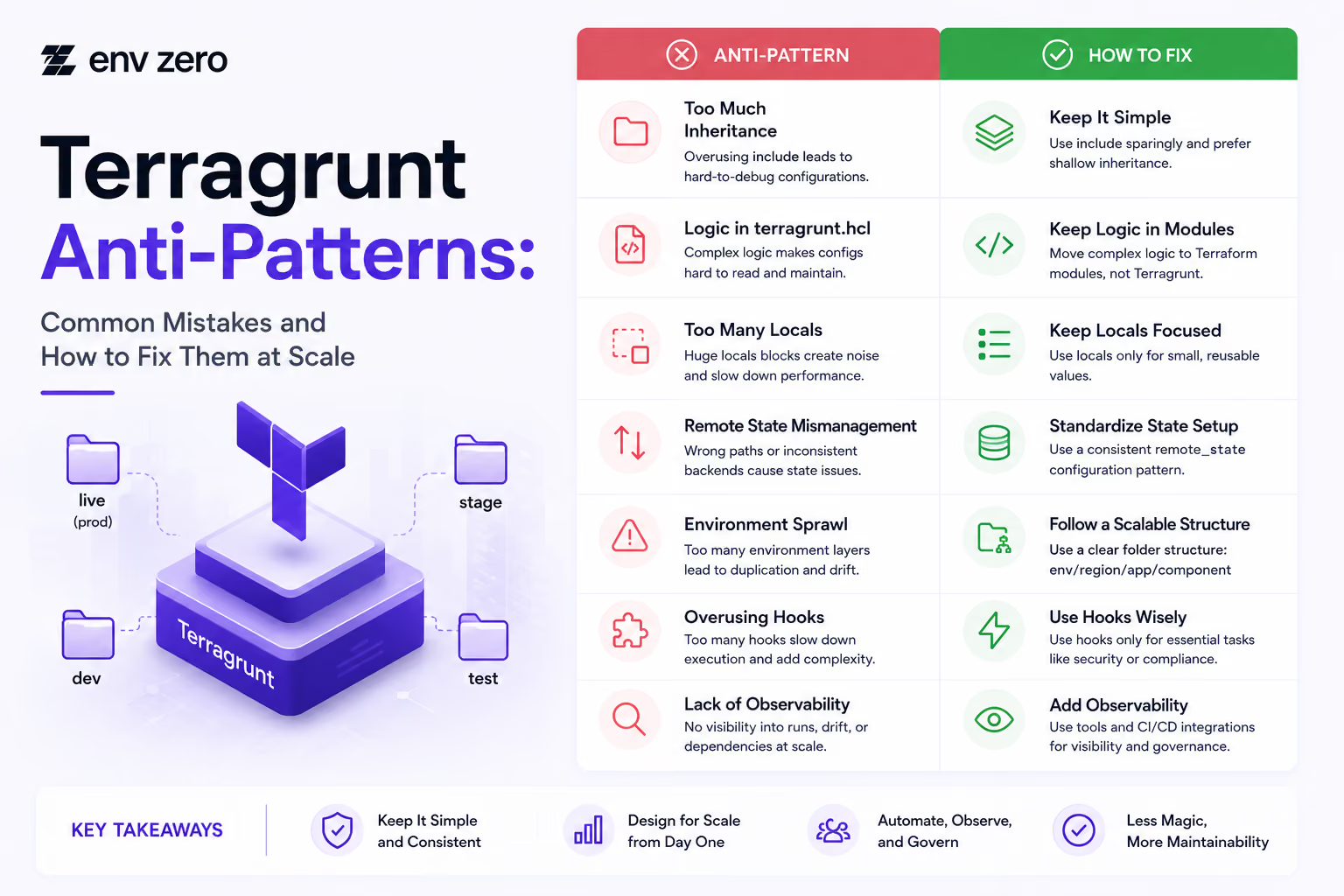
Terragrunt Anti-Patterns: Common Mistakes and How to Fix Them at Scale
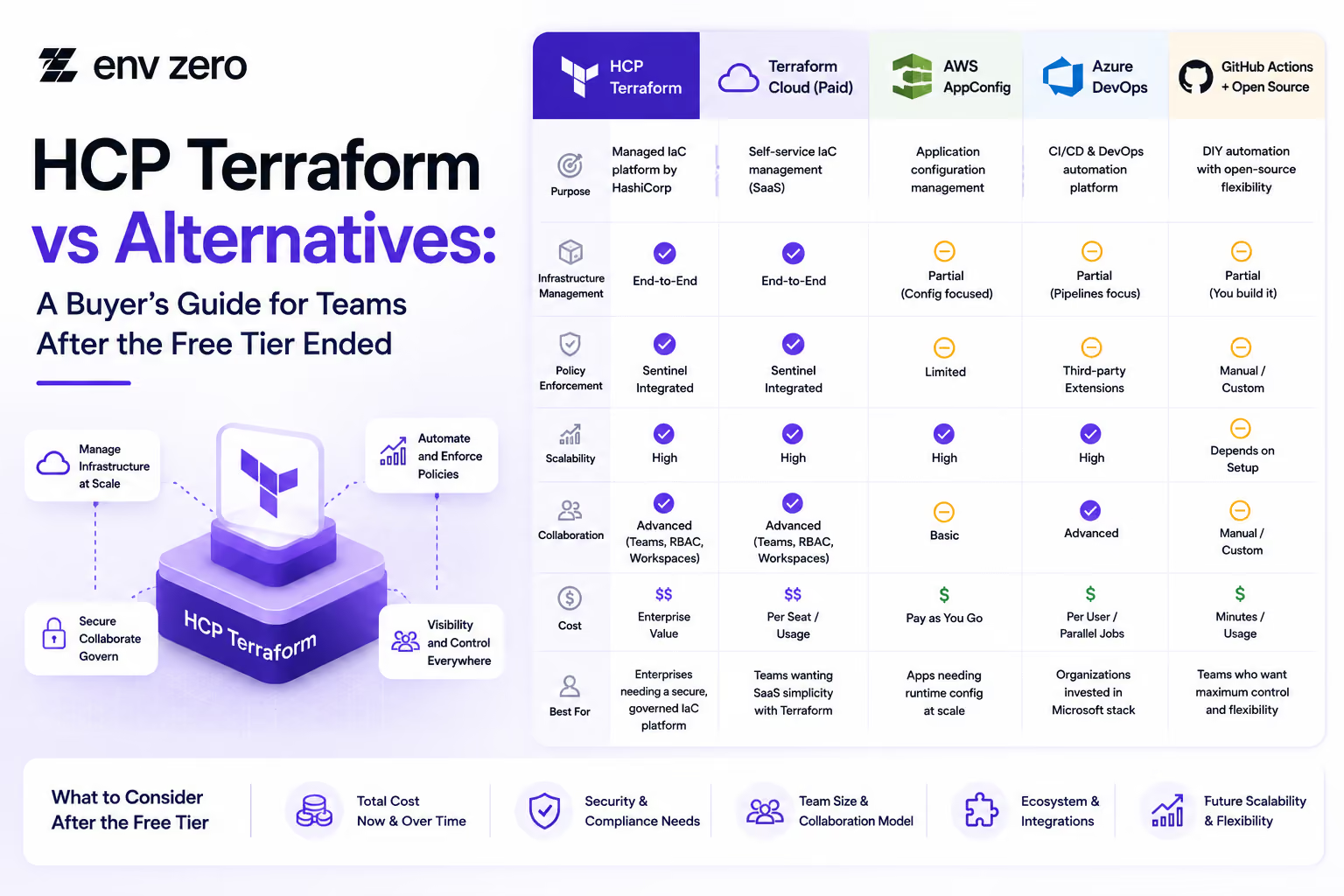
HCP Terraform vs Alternatives: A Buyer’s Guide for Teams After the Free Tier Ended

How to Install Terragrunt and Set Up Your First Multi-Environment Project (2026 Edition)
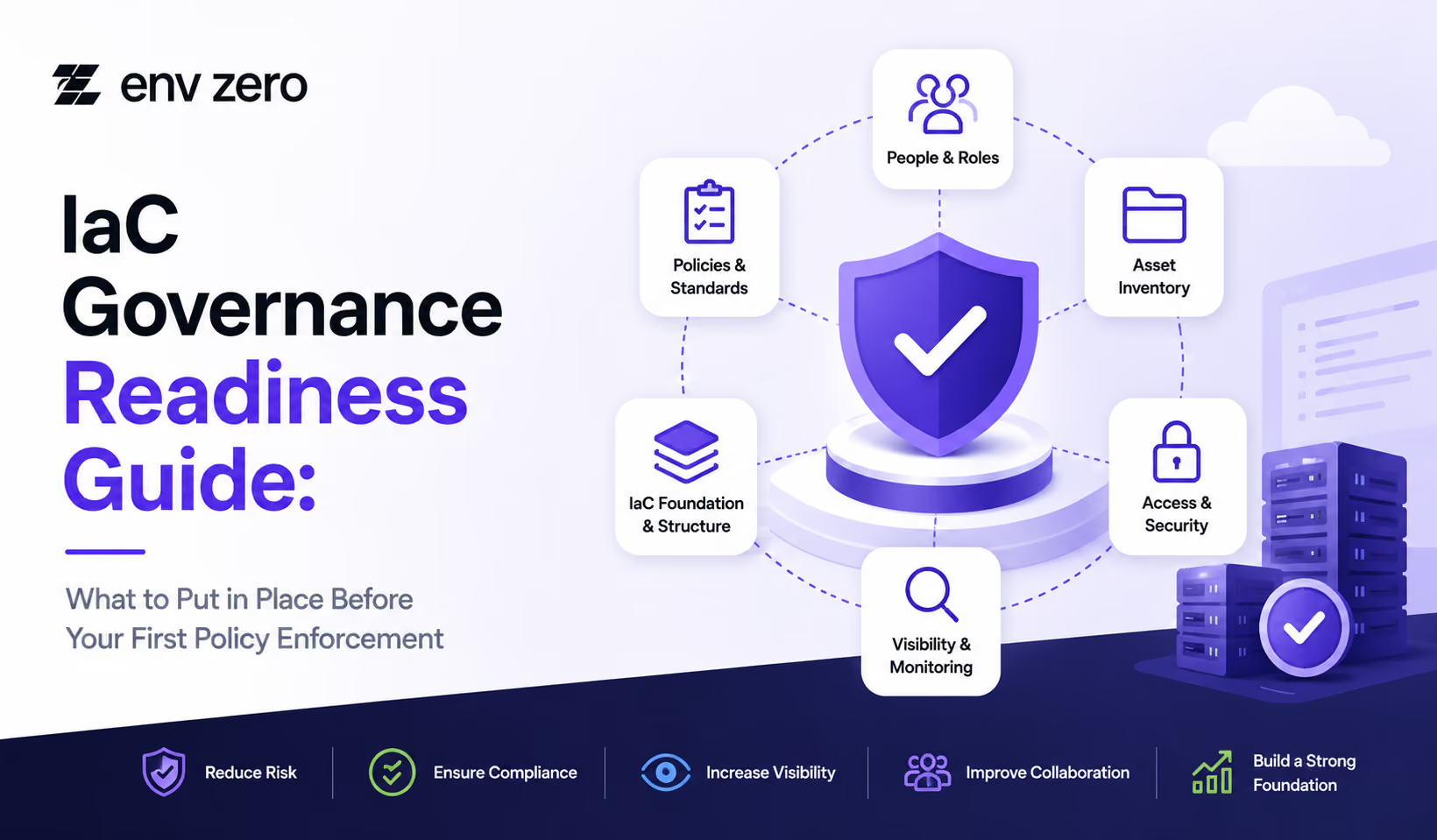
IaC Governance Readiness Guide: What to Put in Place Before Your First Policy Enforcement
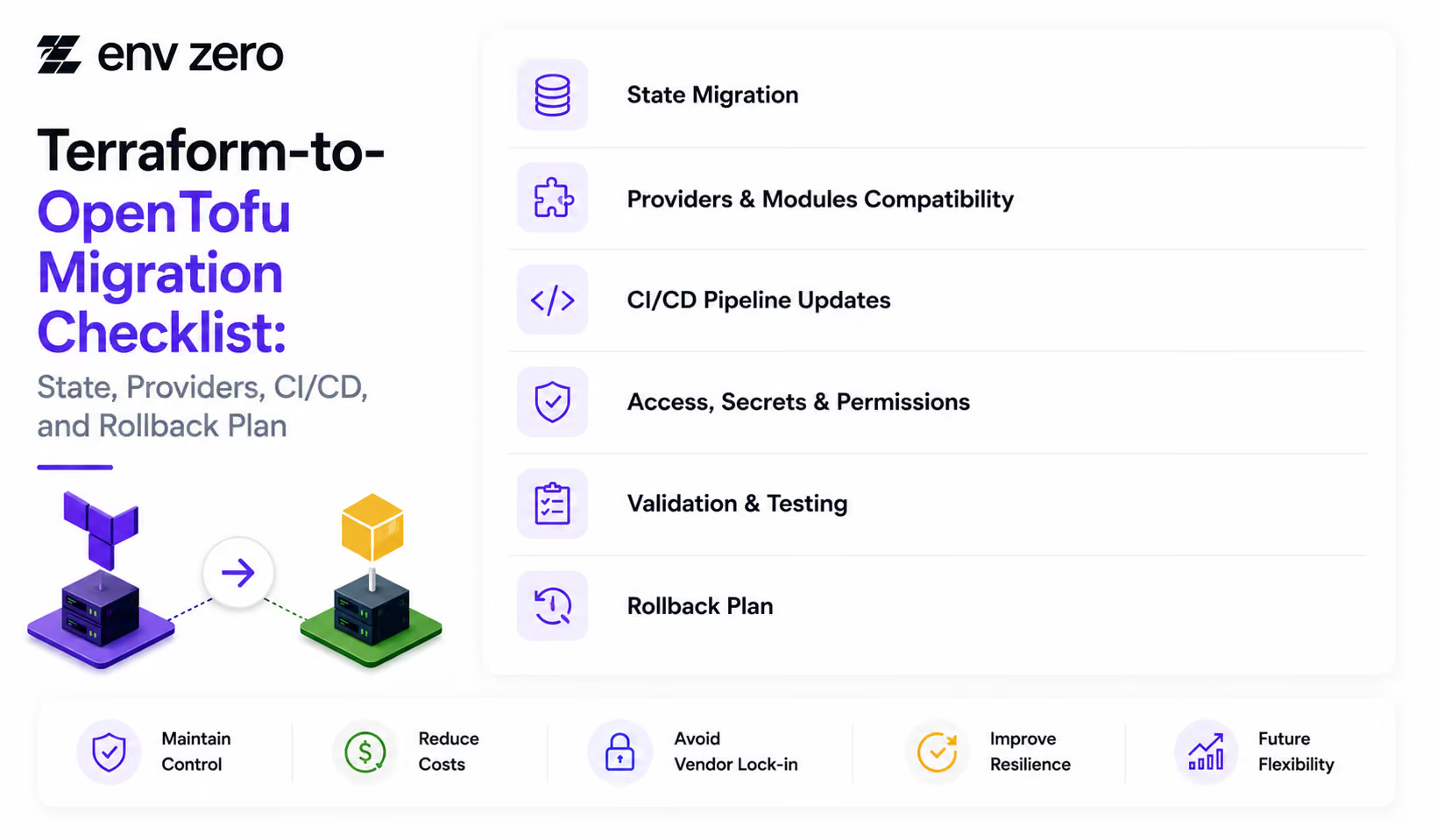
Terraform-to-OpenTofu Migration Checklist: State, Providers, CI/CD, and Rollback Plan
Terraform Alternatives Checklist: 12 Questions to Ask Before You Switch
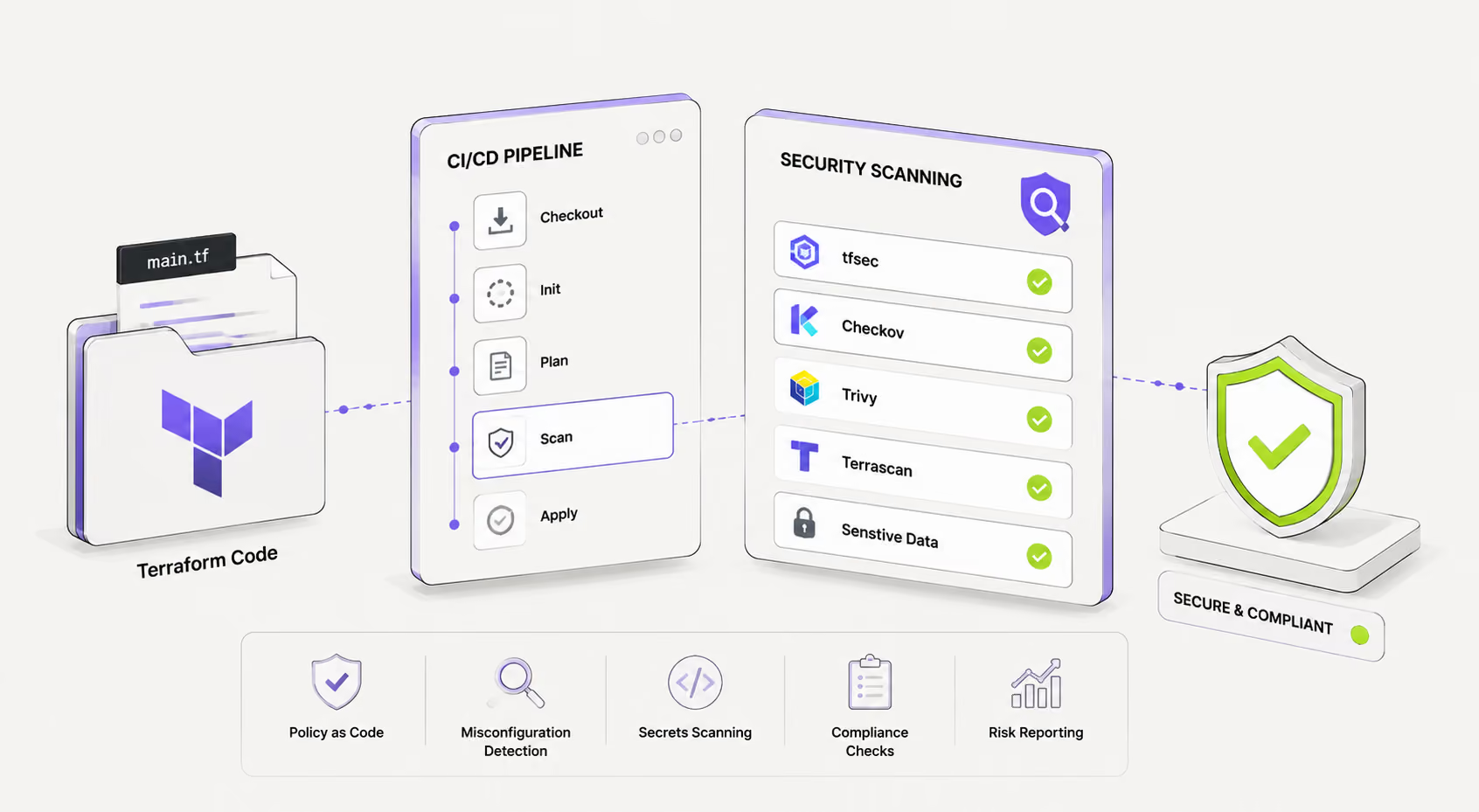
Terraform Security Scanning: Tools and CI/CD Integration Guide
How to Install Terragrunt: Quick Setup Guide for All Platforms 2026

Cloud Governance Checklist: 30 Controls Every Platform Team Should Have
What Is OpenTofu? The Open Source Terraform Fork Explained 2026
The Import Block in Terraform: Declarative Import with Examples 2026

OpenTofu vs Terraform: Full Comparison for Platform Teams 2026
Terraform State File: Structure, Management & Troubleshooting Guide

How to Import Terraform Modules and Resources Into Existing State
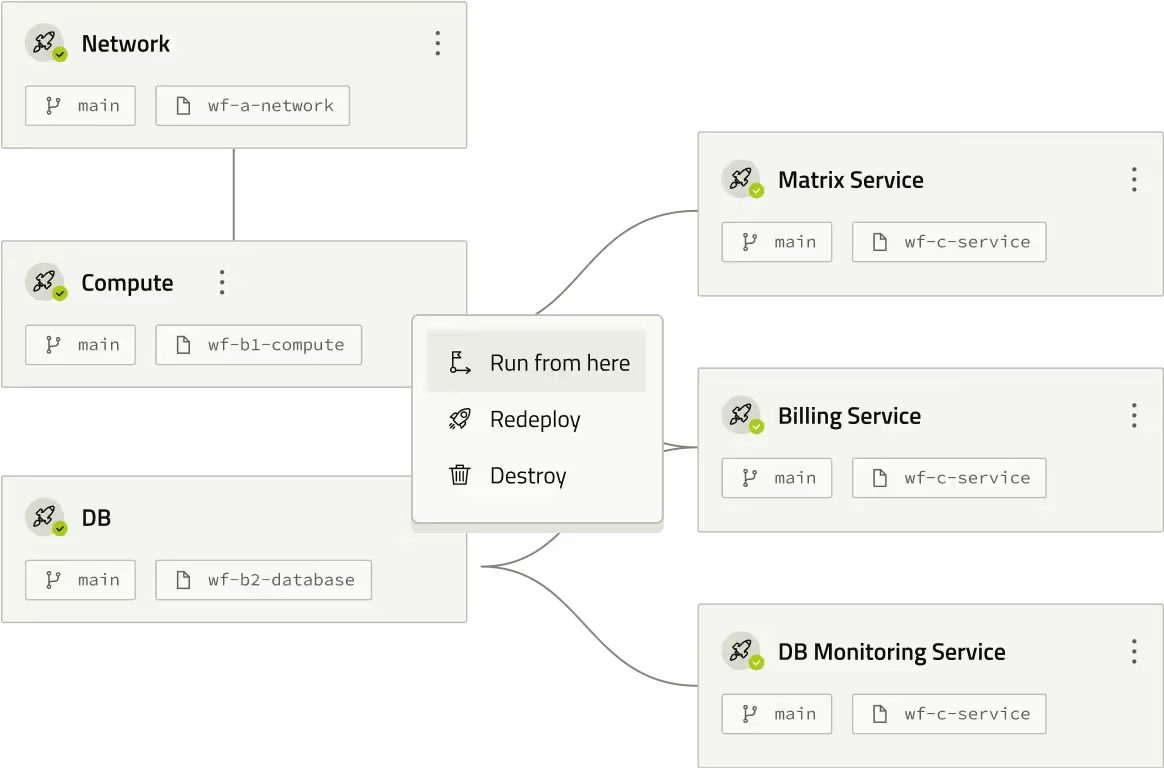
Terraform Backend Config: Syntax, Examples & Partial Configuration Guide

How to Configure an S3 Backend in Terraform (With DynamoDB Locking)
Cloud Governance Checklist for Enterprise Teams



Approval Design Checklist for Enterprise Infrastructure Teams


Accountability Setup Guide for Cloud Risk Management

FinOps Control Checklist for Multi-Cloud Environments
Enterprise Release Readiness: Preparing Infrastructure for Production Success

Policy Check Examples: Enforcing Control and Consistency in Infrastructure
Audit Trail Setup Guide: Maintaining Compliance and Security Across Your Infrastructure

Release Control Checklist Ensuring Consistency and Compliance Across Environments

Drift Prevention Checklist for Maintaining Consistency Across Environments

Pipeline Visibility Checklist: Ensuring Full Transparency Across Deployment Workflows

Approval Delay Troubleshooting Guide: Fixing Bottlenecks in Infrastructure Workflows
Rollback Readiness Checklist: Ensuring Fast and Reliable Recovery Across Environments
Deployment Automation Checklist: Ensuring Consistent and Reliable Infrastructure Delivery
Service Catalog Rollout Checklist for Platform Teams
3 Approval Bottlenecks Slowing Infrastructure Teams

Checklist: Building Trust in Self-Service Infrastructure Rollout
Self-Service Infrastructure Readiness Checklist for Platform Teams

3 Policy Guardrails Every Platform Team Should Implement First
5 Golden Path Mistakes That Slow Platform Adoption
5 Governance Ownership Mistakes in Platform Teams
How Approval Workflows Improve Developer Experience Without Sacrificing Control

Supercharging IaC With AI for Next-Gen Infrastructure Efficiency