.svg)


If your Terraform configuration is full of repeated expressions, hard-to-read resource arguments, or values you keep copying from one block to another — locals are the fix.
Terraform locals let you define a value once, give it a clear name, and reuse it anywhere in your configuration. They are one of the simplest features in Terraform, but also one of the most impactful for keeping your Terraform codebase clean, consistent, and easy to maintain.
This guide explains what locals are, when to use them, how they compare to variables and outputs, and how to use them effectively — with real examples throughout.
What Are Terraform Locals?
A local value in Terraform is a named expression you define inside a locals block. Once defined, you reference it using local.<name> anywhere in the same module.
Here is the simplest possible example:
Example showing how to use a local variable for environment-based S3 bucket naming:
locals {
  environment = "production"
}

resource "aws_s3_bucket" "app" {
  bucket = "my-app-${local.environment}"
}
This demonstrates dynamically incorporating a local environment variable into the S3 bucket name, making it easy to manage multiple environments consistently.
That is it. You define the value once in the locals block, and reference it with local.environment wherever you need it.
Of course, locals become much more powerful when you use them to compute values rather than just store static strings:
Example showing how to create a consistent resource name prefix and reusable tags using locals:
locals {
  # Build a consistent name prefix from input variables
  name_prefix = lower(format("%s-%s-%s", var.project, var.environment, var.region))

  # Compute a tag map once and reuse it everywhere
  common_tags = {
    project     = var.project
    environment = var.environment
    managed_by  = "terraform"
  }
}
This demonstrates defining a standardized naming convention and a reusable tag map, ensuring consistency across all resources in your Terraform configuration.
Locals are evaluated lazily — Terraform only computes a local value when it is actually referenced. You can define as many as you like without any performance cost.
Locals vs Variables: What Is the Difference?
This is one of the most common points of confusion for teams new to Terraform. Both locals and variables let you name a value and reuse it — but they serve very different purposes.
| Feature | Locals | Variables |
|---|---|---|
| Defined by | The module author (you) | The caller — CLI, tfvars, CI/CD |
| Can be changed externally? | No — internal only | Yes — that is their purpose |
| Can reference other values? | Yes — expressions, functions, other locals | No — only static defaults |
| Best used for | Computed values, DRY expressions | Configuration inputs from outside |
| Syntax | local.name_prefix | var.environment |
The simple rule is: use variables for values that should come from outside the module, and use locals for values you compute or derive inside the module.
A Common Mistake: Using Variables Where Locals Belong
Teams sometimes reach for a variable when they actually need a local. Here is an example of the problem and the fix:
Example showing why computed values should be defined as locals instead of variables:
# ❌ Wrong — this computed value has no business being a variable.
# Nobody should be overriding this from outside the module.
variable "name_prefix" {
  default = "my-app-production"
}

# ✅ Correct — compute it internally from the real input variables.
locals {
  name_prefix = "${var.app_name}-${var.environment}"
}
This demonstrates best practice: use locals for computed internal values instead of exposing them as variables to ensure module consistency and prevent unintended overrides.
Using a local here keeps the module interface clean. Callers only need to supply app_name and environment — the derived values are handled internally.
Locals vs Outputs: When to Use Each
Locals and outputs can look similar at first glance — both give names to values. But they have completely different audiences.
| Aspect | Locals | Outputs |
|---|---|---|
| Who sees it? | Only the current module — completely internal | The parent module or root config — exposed externally |
| Used for | DRY expressions, intermediate calculations | Sharing resource attributes with callers |
| Accessible outside module? | No | Yes |
| Shows in terraform output? | No | Yes (for root module) |
| Example use case | Building a name_prefix used in 10 resources | Exposing a load balancer DNS name to a calling module |
Terraform Locals Examples
Here are the most practical and commonly used patterns for locals in real Terraform configurations, many of which lean on Terraform’s built-in functions like merge(), join(), and format().
Example 1 — Consistent Resource Naming
One of the most valuable uses of locals is building a naming convention once and applying it everywhere. This eliminates typos, inconsistencies, and hard-to-find bugs caused by mismatched names across resources.
Example showing how to define a consistent naming convention for multiple resources using locals and join():
variable "project"     { default = "payments" }
variable "environment" { default = "prod" }
variable "region"      { default = "eu-west-1" }

locals {
  # Define the naming convention in one place
  name_prefix = lower(join("-", [var.project, var.environment, var.region]))
  # Result: "payments-prod-eu-west-1"
}

resource "aws_vpc" "main" {
  cidr_block = "10.0.0.0/16"
  tags = { Name = "${local.name_prefix}-vpc" }
}

resource "aws_s3_bucket" "logs" {
  bucket = "${local.name_prefix}-logs"
}

resource "aws_lb" "app" {
  name = "${local.name_prefix}-alb"
  # ...
}
This demonstrates creating a unified naming convention in one place using locals, then applying it consistently across multiple AWS resources like VPCs, S3 buckets, and load balancers.
Example 2 — Centralised Tagging
Most organisations require a standard set of tags on every cloud resource for cost attribution, compliance, and governance. Locals make this effortless:
Example showing how to define reusable base tags and extend them for specific resources using merge():
locals {
  base_tags = {
    project     = var.project
    environment = var.environment
    team        = var.team
    managed_by  = "terraform"
    cost_centre = var.cost_centre
  }

  # Allow individual resources to add extra tags
  # while always inheriting the base set
  api_tags  = merge(local.base_tags, { component = "api" })
  data_tags = merge(local.base_tags, { component = "data", sensitive = "true" })
}

resource "aws_instance" "api" {
  # ...
  tags = local.api_tags
}

resource "aws_rds_instance" "db" {
  # ...
  tags = local.data_tags
}
This demonstrates creating a base tag map and then extending it per resource, ensuring consistent tagging while allowing resource-specific metadata.
Example 3 — Simplifying Complex Expressions
Sometimes a resource argument involves a long, nested expression that is hard to read inline. A local gives it a name and makes the resource block much cleaner:
Example showing the difference between defining IAM policies inline versus using locals for cleaner, more readable code:
# Without locals — hard to read and review
resource "aws_iam_role_policy" "lambda_access" {
  policy = jsonencode({
    Version = "2012-10-17"
    Statement = [
      { Effect = "Allow", Action = ["s3:GetObject", "s3:PutObject"],
        Resource = "arn:aws:s3:::${var.project}-${var.environment}-data/*" },
      { Effect = "Allow", Action = ["logs:CreateLogGroup", "logs:PutLogEvents"],
        Resource = "arn:aws:logs:${var.region}:${data.aws_caller_identity.current.account_id}:*" }
    ]
  })
}

# With locals — clean, readable, and easy to test in isolation
locals {
  lambda_policy = jsonencode({
    Version = "2012-10-17"
    Statement = [
      { Effect = "Allow", Action = ["s3:GetObject", "s3:PutObject"],
        Resource = "${local.data_bucket_arn}/*" },
      { Effect = "Allow", Action = ["logs:CreateLogGroup", "logs:PutLogEvents"],
        Resource = "${local.log_group_arn}" }
    ]
  })
}

resource "aws_iam_role_policy" "lambda_access" {
  policy = local.lambda_policy
}
This demonstrates why using locals improves readability, maintainability, and testability of complex IAM policies in Terraform.
Example 4 — Conditional Logic
Locals work well for computing conditional values that would be cluttered if written directly in a resource argument:
Example showing how to use locals and conditional expressions to configure resources based on environment:
variable "environment" { default = "staging" }

locals {
  # Choose instance size based on environment
  instance_type = var.environment == "prod" ? "t3.large" : "t3.micro"

  # Enable deletion protection only in production
  deletion_protection = var.environment == "prod" ? true : false

  # Set replica count: 3 in prod, 1 elsewhere
  replica_count = var.environment == "prod" ? 3 : 1
}

resource "aws_db_instance" "main" {
  instance_class     = local.instance_type
  deletion_protection = local.deletion_protection
  # ...
}
This demonstrates using locals with ternary operators to conditionally configure AWS resources based on the environment, making Terraform configurations more flexible and maintainable.
Using Locals in Terraform Modules
Locals are especially valuable inside reusable modules. They let you encapsulate derived logic so that callers only need to supply a small set of clean inputs — the module handles the rest internally.
Pattern: Deriving All Internal Names From a Single Input
A well-designed module typically takes a few key inputs and uses locals to derive everything else:
Example showing how to use locals within a module to generate consistent resource names for S3 buckets, Lambda functions, and log groups:
# modules/app-stack/main.tf

variable "name"        { description = "Base name for this stack" }
variable "environment" { description = "Deployment environment" }

locals {
  # All internal names derived from the two inputs above
  prefix        = "${var.name}-${var.environment}"
  bucket_name   = "${local.prefix}-assets"
  function_name = "${local.prefix}-processor"
  log_group     = "/aws/lambda/${local.function_name}"
  kms_alias     = "alias/${local.prefix}-key"
}

resource "aws_s3_bucket" "assets" {
  bucket = local.bucket_name
}

resource "aws_lambda_function" "processor" {
  function_name = local.function_name
  # ...
}
This demonstrates deriving all internal resource names from input variables using locals, ensuring a consistent and maintainable naming convention within a module.
The caller of this module only needs to pass name and environment. Every other naming decision is handled internally by locals. This is the essence of good module design.
Pattern: Locals That Reference Data Sources
Locals can reference data sources as well as variables, which lets you build derived values from live cloud data:
Example showing how to use data sources with locals to dynamically construct ARNs for resources without hard-coding account IDs or regions:
data "aws_caller_identity" "current" {}
data "aws_region" "current" {}

locals {
  account_id  = data.aws_caller_identity.current.account_id
  region      = data.aws_region.current.name

  # Build ARNs without hard-coding account or region
  log_group_arn = "arn:aws:logs:${local.region}:${local.account_id}:log-group:${local.log_group}"
  kms_key_arn   = "arn:aws:kms:${local.region}:${local.account_id}:alias/${local.kms_alias}"
}
This demonstrates using data sources along with locals to construct resource ARNs dynamically, improving maintainability and avoiding hard-coded values.
Common Terraform Locals Errors
Locals are simple, but a handful of mistakes account for most of the errors teams hit. Here is what causes each one and how to fix it.
Declaring "local" instead of "locals"
The block that declares your values is always locals, plural, no matter how many values go inside it. Only the reference syntax is singular: local.name.
Wrong: a singular local block is not a valid block type.
# ❌ Terraform does not recognize a block type called "local"
local {
  environment = "prod"
}
# ✅ The declaration block is always plural
locals {
  environment = "prod"
}
This is the single most common locals typo, and it fails immediately at parse time with an unsupported block type error.
Duplicate local names
Terraform merges every locals block in a module into one namespace before evaluation. Defining the same name twice, even across separate files or separate blocks, is a duplicate value error.
Two separate locals blocks defining the same name in the same module:
# locals.tf
locals {
  environment = "prod"
}

# main.tf
locals {
  environment = "staging"  # ❌ duplicate name, same module
}
Fix it by renaming one of them or consolidating both into a single locals block.
Circular references between locals
A local cannot depend on itself, directly or through another local. Terraform cannot resolve an evaluation order for a cycle.
A references b, and b references a:
locals {
  a = local.b
  b = local.a  # ❌ cycle: a depends on b, b depends on a
}
Break the cycle by deriving both values from a shared upstream source, such as a variable, instead of from each other.
Using a local where a plan-time value is required
Some arguments, like count and for_each, must be resolvable when Terraform runs plan, before anything is created. A local built from a resource attribute that does not exist yet cannot satisfy that.
A local derived from an unknown-until-apply resource attribute, used in count:
resource "aws_instance" "app" {
  # ...
}

locals {
  # aws_instance.app.id is unknown until apply for a fresh resource
  instance_ref = aws_instance.app.id
}

resource "aws_eip" "app" {
  count = local.instance_ref != "" ? 1 : 0  # ❌ fails on first plan
}
Keep count and for_each conditions based on variables or data sources known ahead of time, and save resource-derived locals for arguments that only need to be known before apply, not before plan.
Locals and Governance: How env zero Helps
Locals are a module-level tool — they keep individual configurations clean. But in large teams, the real challenge is making sure every team is using the same naming conventions, the same tagging standards, and the same structural patterns across hundreds of modules and environments.
That is the governance problem env zero is built to solve.
• Standardised module library — env zero provides approved, pre-built modules where the locals, naming conventions, and tag maps are already defined correctly. Teams consume them rather than reinventing them.
• Policy enforcement — automated checks validate that required tags exist, naming conventions are followed, and sensitive values are not being misused — all before a terraform apply is allowed to run.
• Drift detection — if a resource is renamed or retagged manually outside of Terraform, env zero flags the drift immediately. Your locals-driven naming strategy stays the source of truth.
• Cost attribution — when common_tags locals include the right cost centre and team labels, env zero uses that data to give you accurate, real-time cost breakdowns per team, project, and environment — without any extra configuration.
Clean locals make individual modules better. env zero makes the whole platform consistent.
Summary
Terraform locals are one of the most practical tools for writing clean, maintainable infrastructure code. They let you:
• Define a value once and reuse it everywhere in a module — no more copy-paste
• Compute derived values using functions, conditionals, and references to other resources
• Simplify complex expressions by giving them meaningful names
• Centralise naming and tagging conventions so the whole module stays consistent
• Keep module interfaces clean by handling internal logic privately, away from variables
The more complex your Terraform codebase grows, the more value locals deliver. Start using them early, name them clearly, and group them logically — and your configuration will be significantly easier for your whole team to read, review, and maintain.
Locals also pair naturally with other Terraform constructs. A common pattern is feeding a local list or map into a dynamic block to generate repeated nested blocks, or referencing one inside a for_each expression to create multiple resource instances from a single configuration.
Frequently Asked Questions
Can I use locals across multiple Terraform files?
Yes. Terraform merges all .tf files in a directory into a single configuration, so a local defined in locals.tf is accessible in main.tf, outputs.tf, and every other file in the same module. The convention is to keep locals in a dedicated locals.tf file for clarity.
Can locals reference resource attributes?
Yes — with one important caveat. A local can reference a resource attribute, but that attribute must be known at plan time for the local to be usable in expressions that also need to be known at plan time (like count or for_each). If the value is only known after apply, Terraform will raise an error if you try to use it where a static value is required.
What is the difference between a local and a variable default?
A variable default is a fallback value for an external input — it can be overridden by a caller. A local is always determined by the module itself and cannot be overridden externally. If you want a computed value that callers cannot change, use a local. If you want a sensible fallback that callers can override, use a variable with a default.
Are locals re-evaluated on every terraform plan?
Locals are expressions, not persistent values — they are evaluated fresh each time Terraform runs a plan or apply. If a local depends on timestamp() for example, its value will change between runs. If you want a stable value that does not change, use plantimestamp() instead, or compute the value once and store it in a resource or data source.
Can I use locals to conditionally include resources?
Indirectly, yes. You can use a local to compute a boolean condition, then use that local in a count or for_each expression to conditionally create a resource:
Example showing how to conditionally create resources using locals and count based on the environment:
locals {
  create_monitoring = var.environment == "prod" ? 1 : 0
}

resource "aws_cloudwatch_dashboard" "main" {
  count = local.create_monitoring
  # Only created in production
  # ...
}
This demonstrates using a locals variable with a conditional expression to control resource creation, ensuring that CloudWatch dashboards are only created in the production environment.


Related Content
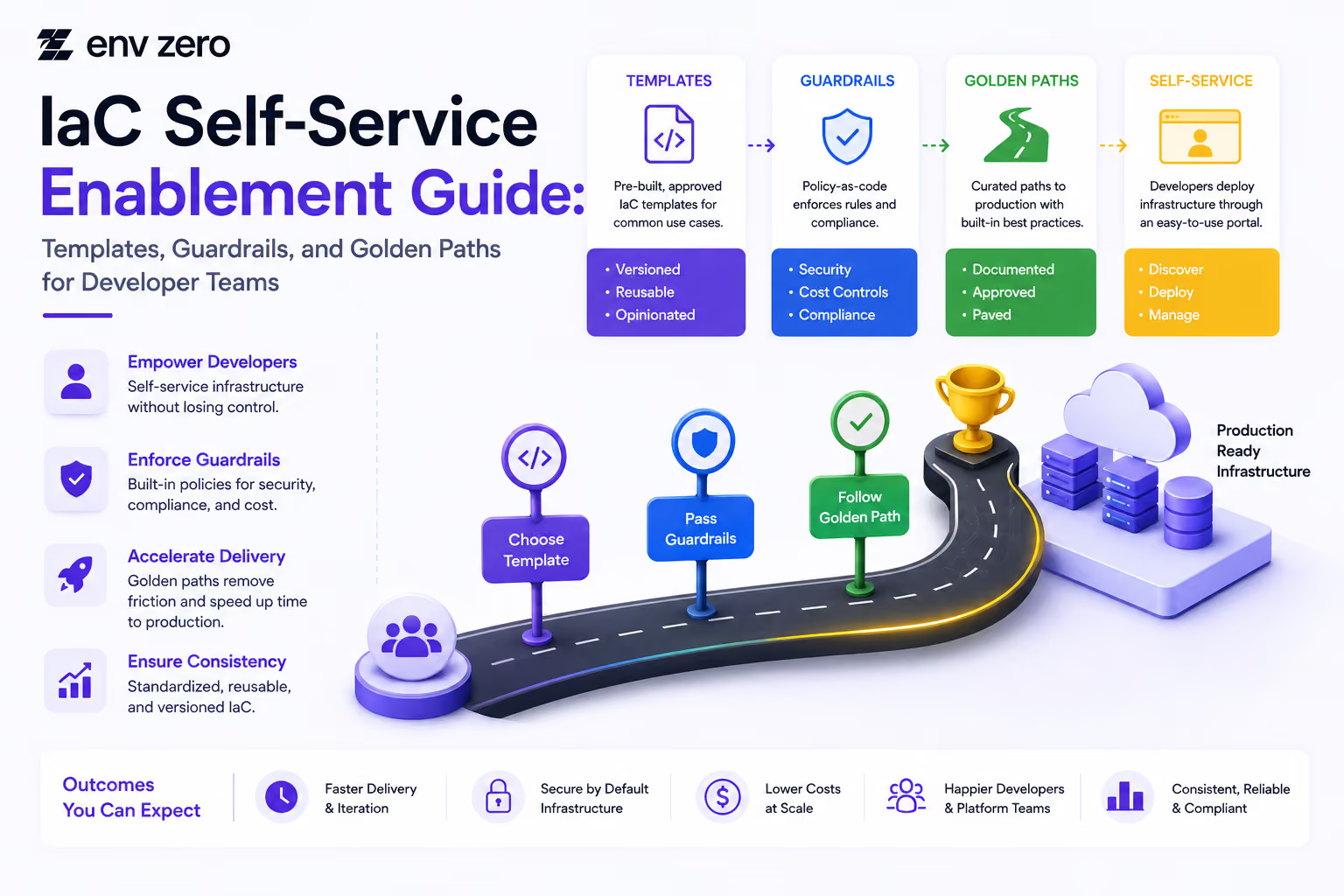
IaC Self-Service Enablement Guide: Templates, Guardrails, and Golden Paths for Developer Teams
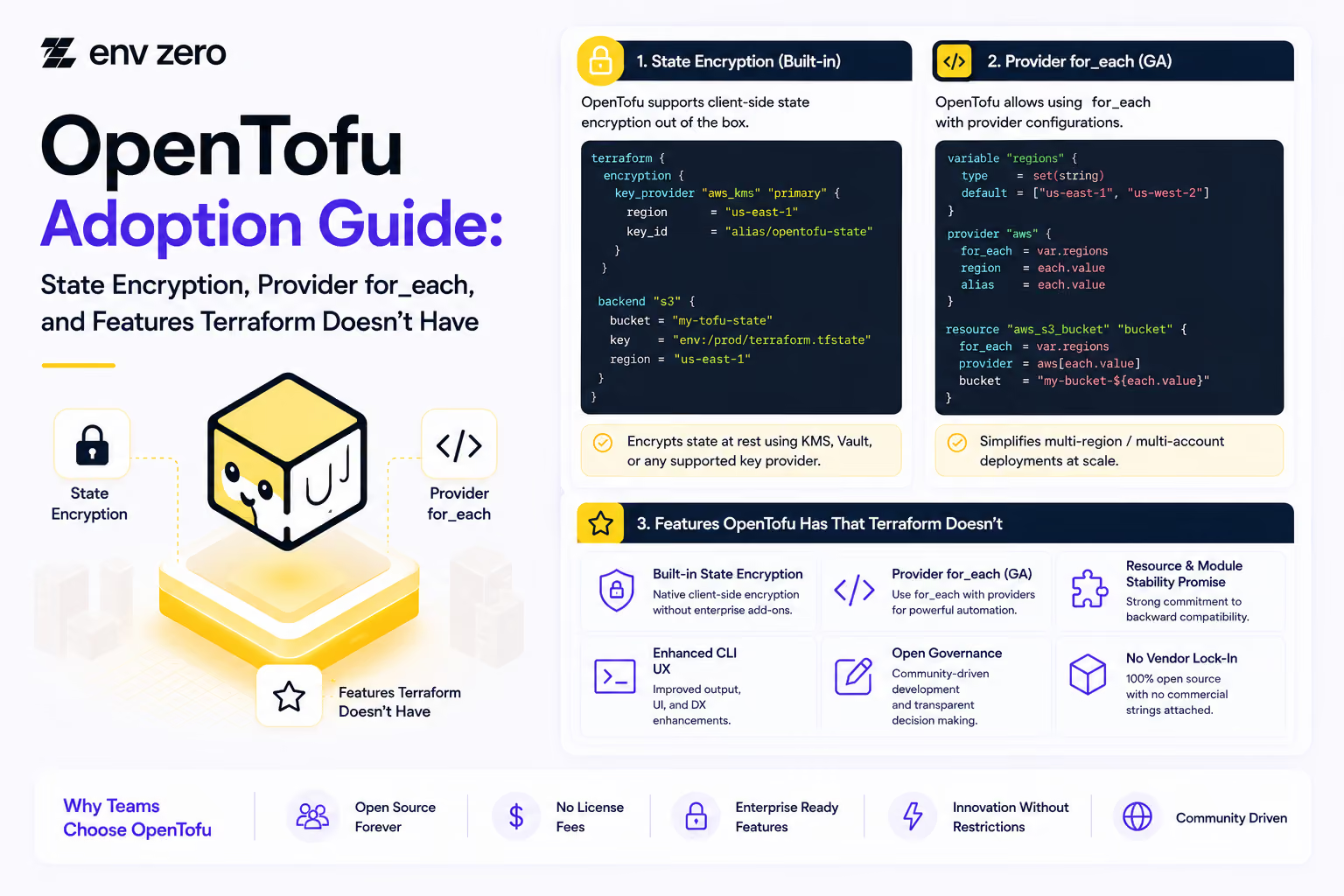
OpenTofu Adoption Guide: State Encryption, Provider for_each, and Features Terraform Doesn't Have
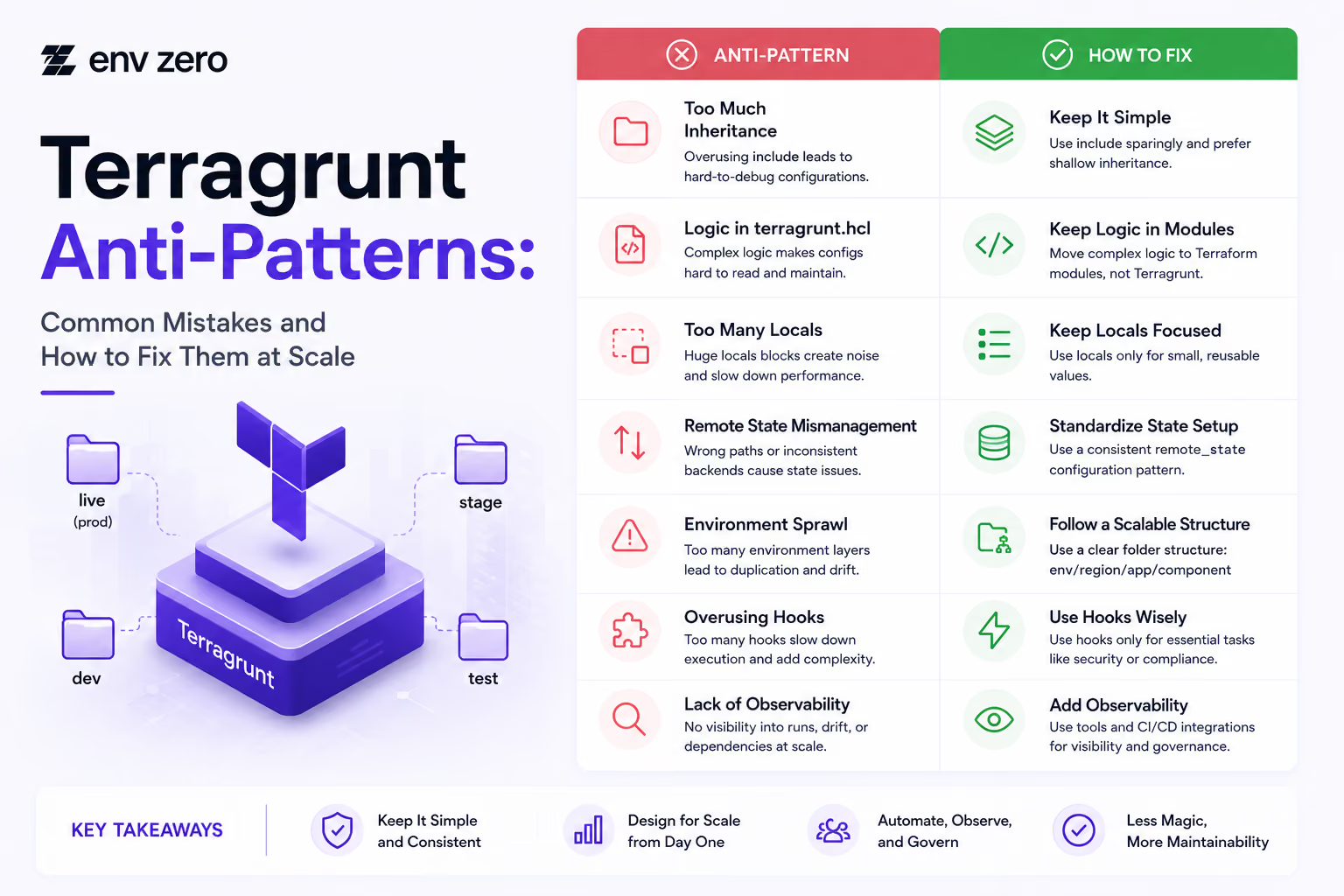

How to Install Terragrunt and Set Up Your First Multi-Environment Project (2026 Edition)
IaC Governance Readiness Guide: What to Put in Place Before Your First Policy Enforcement
Terraform-to-OpenTofu Migration Checklist: State, Providers, CI/CD, and Rollback Plan















Audit Trail Setup Guide: Maintaining Compliance and Security Across Your Infrastructure


Pipeline Visibility Checklist: Ensuring Full Transparency Across Deployment Workflows


Rollback Readiness Checklist: Ensuring Fast and Reliable Recovery Across Environments

Deployment Automation Checklist: Ensuring Consistent and Reliable Infrastructure Delivery