.svg)

In any organization, issues and challenges arise that require quick attention and resolution. When issues are not immediately addressed at the frontline, an escalation workflow ensures that they are handled by the right people at the right time. Understanding and implementing a structured escalation workflow can significantly improve response times, ensure customer satisfaction, and enhance overall business efficiency.
This guide explores the importance of escalation workflows, how to design them, and best practices for managing escalations effectively.
What is an Escalation Workflow?
An escalation workflow is a structured process that outlines the steps to follow when an issue needs to be escalated from one team or individual to another for resolution. The goal of the workflow is to ensure that problems are resolved quickly, at the appropriate level, and with minimal disruption to operations. Escalation workflows are typically used in customer service, IT support, operations, and other areas where complex or urgent issues require attention from higher authority levels.
Why Is an Escalation Workflow Important?
- Quick Resolution: An escalation workflow ensures that unresolved issues are quickly identified and passed on to the right team or individual for resolution. This reduces downtime and operational delays.
- Improved Customer Satisfaction: By effectively addressing problems in a timely manner, escalation workflows can help prevent customer dissatisfaction due to unresolved issues or long response times.
- Clear Accountability: With a defined escalation process, every team member knows their role in resolving issues. This clarity improves accountability and ensures that no issues fall through the cracks.
- Efficient Resource Allocation: An effective escalation workflow ensures that high-priority issues are handled by the right people or teams, freeing up resources for other tasks.
- Data Tracking and Continuous Improvement: Escalation workflows allow organizations to track issues and resolutions, providing valuable insights for process improvement and training needs.
Key Steps in an Escalation Workflow
- Identify the Issue: The first step in the escalation process is identifying the problem. This typically occurs at the frontline (e.g., customer service agents, IT help desk staff, or operations teams). Once the issue is reported, it’s important to assess whether the problem can be resolved at this level or if it requires escalation.
- Categorize the Issue: Before escalating, categorize the issue to ensure it is directed to the appropriate team or individual. For instance, in customer service, issues can be categorized as technical, billing, or service-related, and each category may need to be handled by a specific team.
- Determine the Escalation Criteria: Define the criteria for escalation. This may include factors like the severity of the issue, the impact on operations, the urgency of the request, or customer dissatisfaction. For example, a critical technical failure may be escalated to the IT department’s senior engineer, while a non-critical request may remain with the customer service representative.
- Escalate to the Right Level: Once the issue is categorized and the criteria are met, the issue is escalated to the appropriate team or individual. This can involve moving the issue up to higher-level management, specialized support teams, or even third-party vendors, depending on the nature of the problem.
- Monitor and Follow-Up: After escalation, it’s important to monitor the progress of the issue and ensure that it’s being handled appropriately. Regular follow-ups may be needed to ensure resolution, particularly if the issue is complex or time-sensitive.
- Resolution and Feedback: Once the issue is resolved, it’s essential to document the outcome and gather feedback. This step helps identify areas for improvement and ensures that the escalation workflow is functioning as intended. Feedback from both customers and employees can help refine the process for future escalations.
Best Practices for Managing an Escalation Workflow
- Establish Clear Communication Channels: Ensure that there are clear communication protocols in place so that everyone involved in the escalation workflow is aware of their roles and responsibilities. This can include setting up communication platforms (email, chat, or ticketing systems) for seamless issue handoff.
- Create a Tiered System: Design a tiered escalation system based on the severity and complexity of the issue. For example, a three-tier system could include frontline support, mid-level escalation, and final resolution by senior management or specialized teams. A clear hierarchy ensures that issues are addressed by the most appropriate person as they escalate.
- Set Timeframes for Escalation: Define clear timeframes for how long an issue can remain at each level before it is escalated. This helps prevent delays in resolution and ensures that issues are handled promptly. For example, if a problem isn't resolved within 24 hours at the first level, it should automatically move to the next level.
- Provide Training for Staff: Training is key to ensuring that employees understand the escalation process and can handle issues efficiently. Ensure that all staff members are trained to recognize when an issue should be escalated and how to do so.
- Use Technology and Automation: Implement tools and software that support automation in the escalation process. For instance, ticketing systems can automatically route issues based on their categories and severity, ensuring that they reach the right people without manual intervention.
- Document Every Escalation: Keep detailed records of every escalation, including the steps taken, the time it took to resolve, and any feedback received. This documentation can help identify patterns and inefficiencies in the process, providing a foundation for future improvements.
- Regularly Review and Refine the Process: An effective escalation workflow should be constantly reviewed and improved based on feedback, new challenges, and evolving organizational needs. Regular audits and reviews ensure that the workflow remains effective and aligned with business goals.
Common Challenges in Escalation Workflows and How to Overcome Them
- Delays in Escalation: One of the most common challenges is delays in identifying when an issue needs to be escalated. To avoid this, ensure that employees are trained to recognize signs of critical issues early and know when to escalate.
- Escalation Fatigue: In some cases, issues may be escalated too quickly or too frequently, leading to escalation fatigue. This can be mitigated by ensuring that employees have the resources and authority to resolve issues at their level before escalating.
- Lack of Ownership: Sometimes, issues may not get resolved quickly because no one takes ownership of the problem. Clearly define ownership responsibilities for each level of escalation to prevent issues from falling through the cracks.
- Communication Breakdowns: Poor communication between teams can cause issues to remain unresolved or lead to confusion. Establish a standard communication protocol to ensure that information is passed smoothly between teams at all levels.
Conclusion
An effective escalation workflow is essential for organizations that want to resolve issues promptly, improve customer satisfaction, and maintain smooth operations. By clearly defining the escalation process, setting timeframes, utilizing technology, and fostering open communication, businesses can create a system that ensures issues are resolved quickly and efficiently. Regular reviews and feedback loops are necessary to refine the process and make continuous improvements, ensuring that the workflow remains aligned with the evolving needs of the business.

Related Content
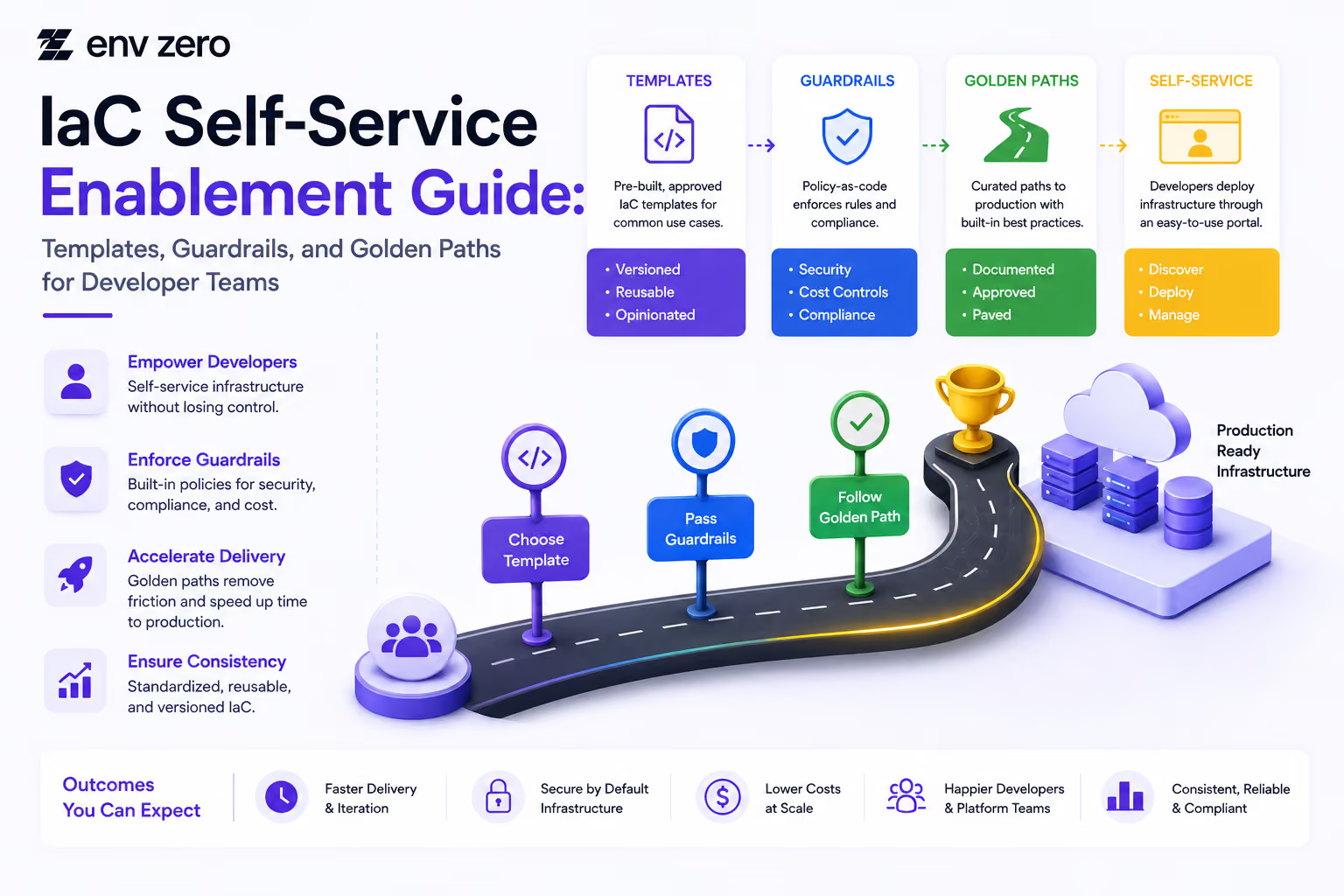
IaC Self-Service Enablement Guide: Templates, Guardrails, and Golden Paths for Developer Teams
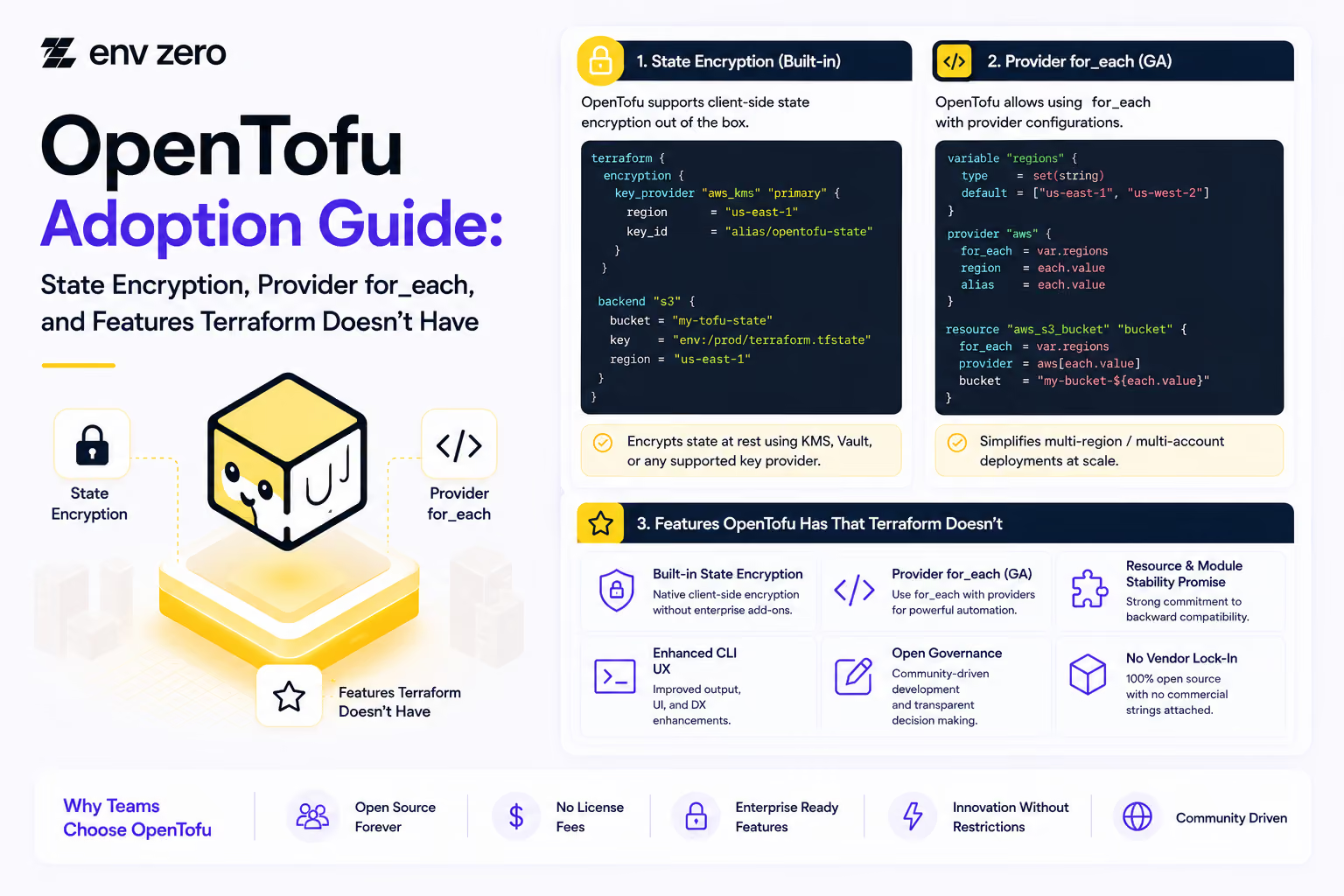
OpenTofu Adoption Guide: State Encryption, Provider for_each, and Features Terraform Doesn't Have
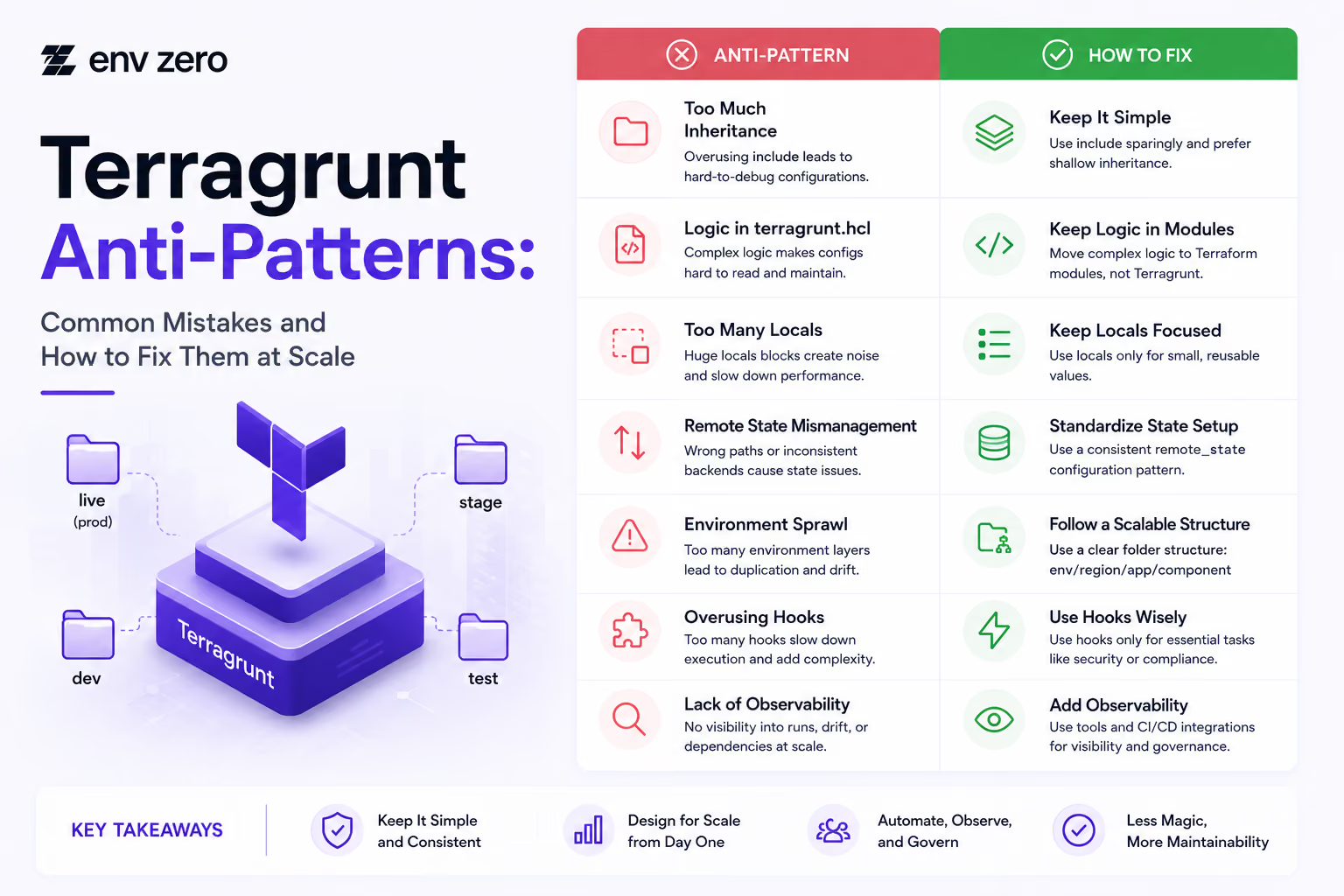
Terragrunt Anti-Patterns: Common Mistakes and How to Fix Them at Scale
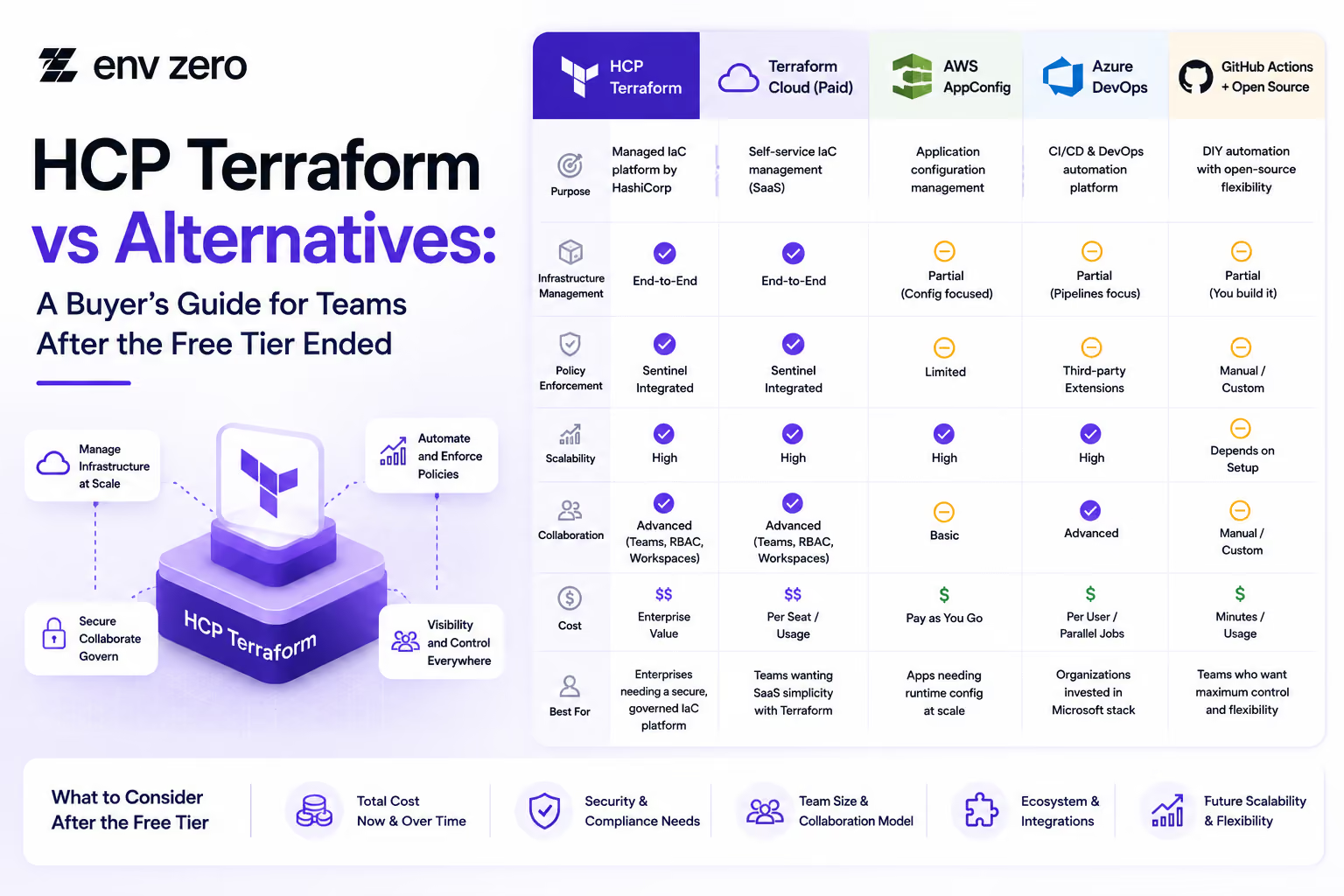
HCP Terraform vs Alternatives: A Buyer’s Guide for Teams After the Free Tier Ended

How to Install Terragrunt and Set Up Your First Multi-Environment Project (2026 Edition)
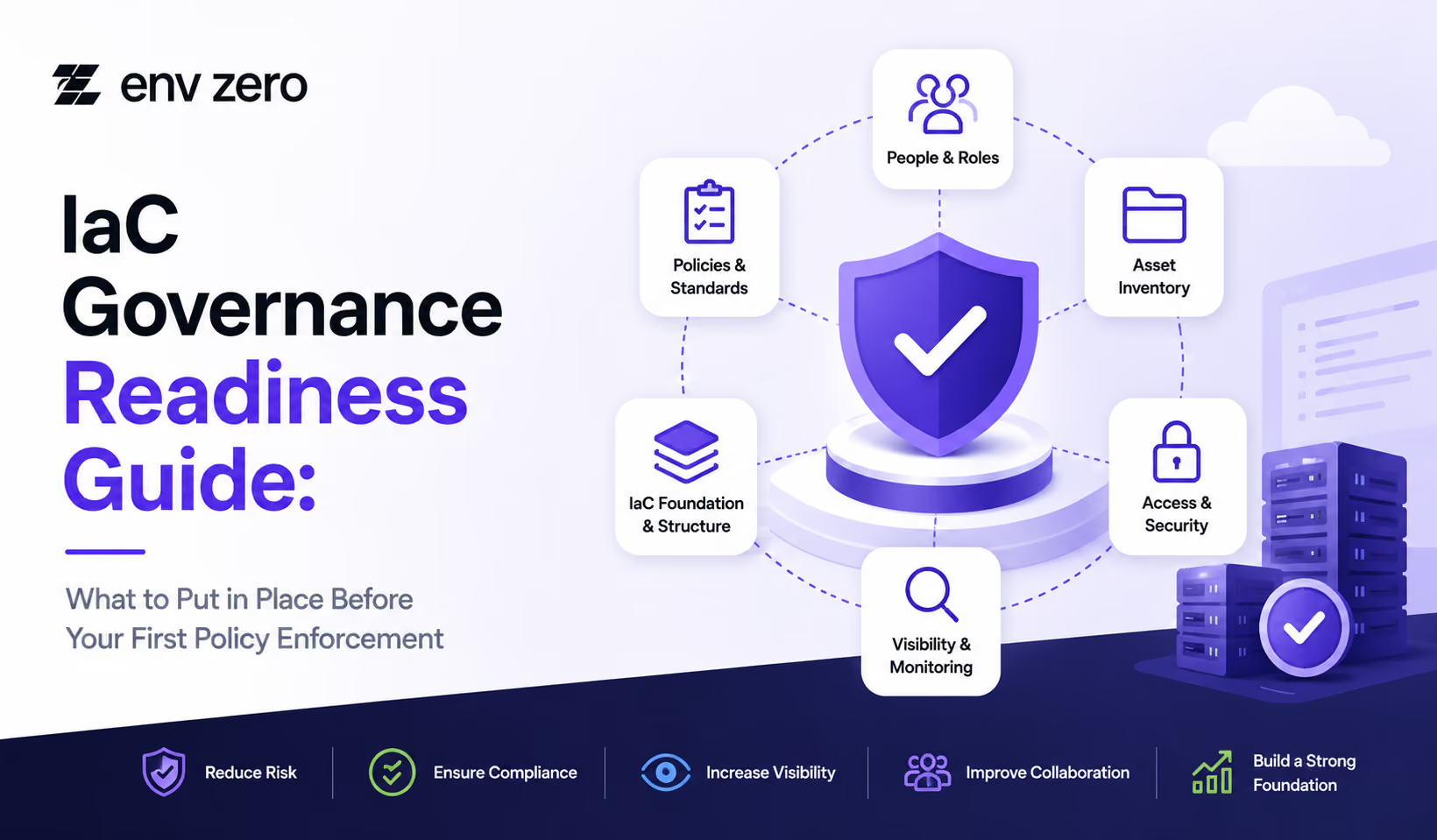
IaC Governance Readiness Guide: What to Put in Place Before Your First Policy Enforcement
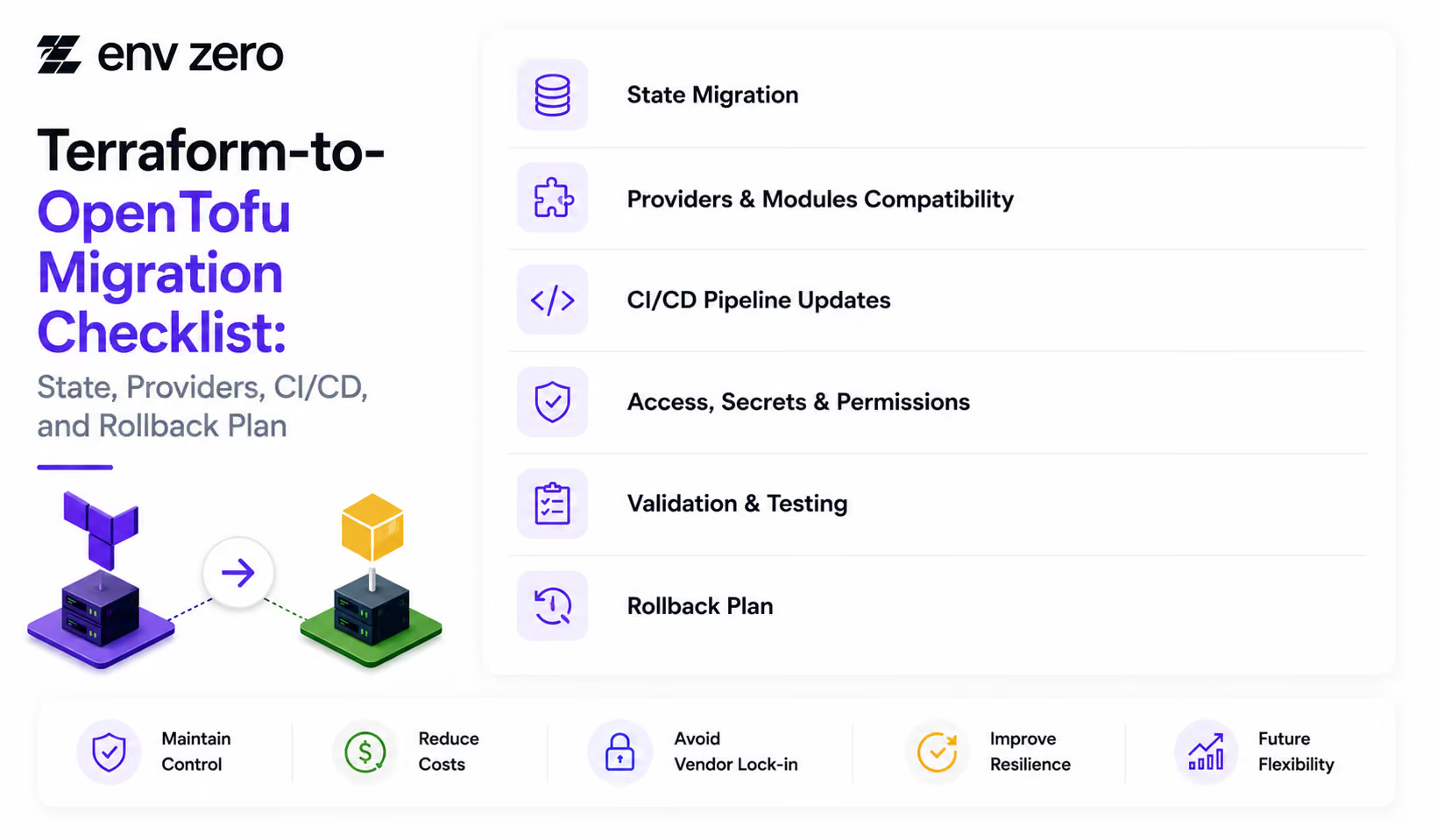
Terraform-to-OpenTofu Migration Checklist: State, Providers, CI/CD, and Rollback Plan
Terraform Alternatives Checklist: 12 Questions to Ask Before You Switch
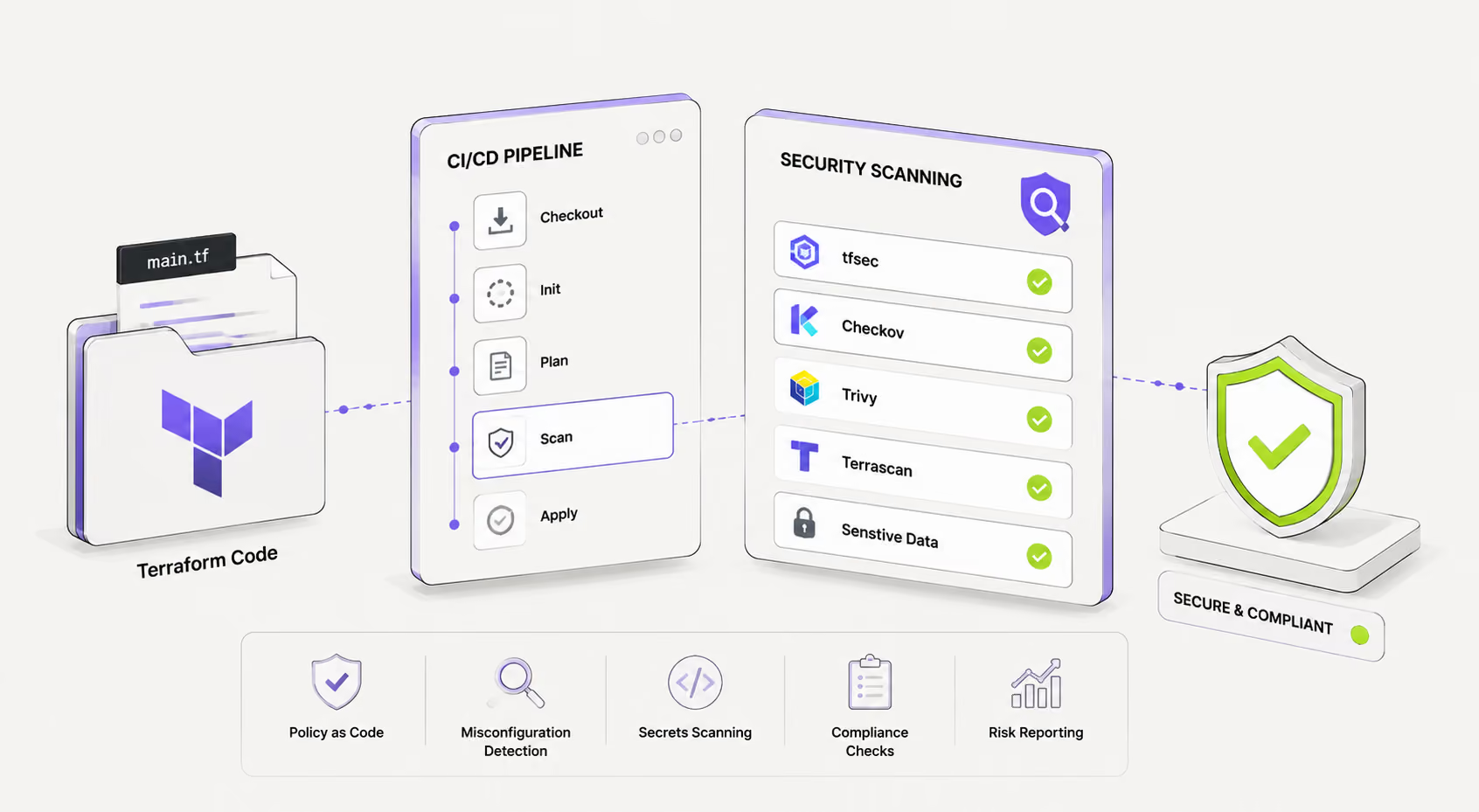
Terraform Security Scanning: Tools and CI/CD Integration Guide
How to Install Terragrunt: Quick Setup Guide for All Platforms 2026

Cloud Governance Checklist: 30 Controls Every Platform Team Should Have

What Is OpenTofu? The Open Source Terraform Fork Explained 2026

The Import Block in Terraform: Declarative Import with Examples 2026

OpenTofu vs Terraform: Full Comparison for Platform Teams 2026

Terraform State File: Structure, Management & Troubleshooting Guide

How to Import Terraform Modules and Resources Into Existing State
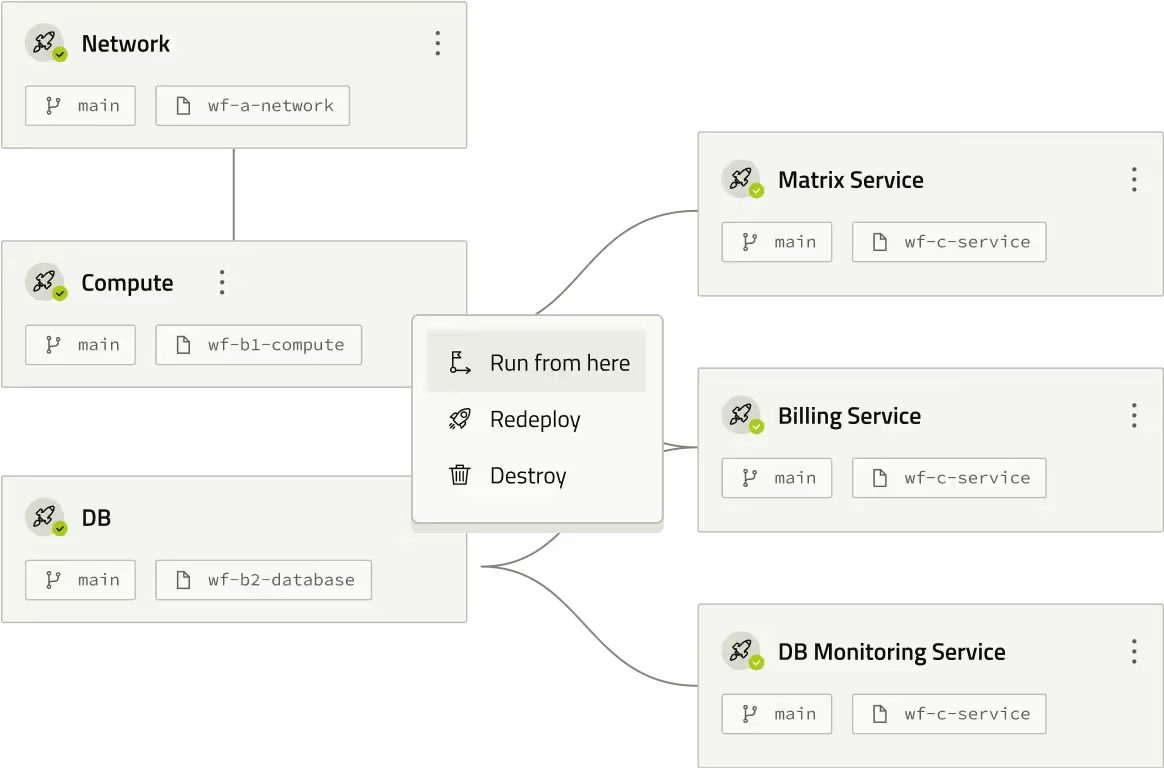
Terraform Backend Config: Syntax, Examples & Partial Configuration Guide

How to Configure an S3 Backend in Terraform (With DynamoDB Locking)
Cloud Governance Checklist for Enterprise Teams



Approval Design Checklist for Enterprise Infrastructure Teams


Accountability Setup Guide for Cloud Risk Management

FinOps Control Checklist for Multi-Cloud Environments
Enterprise Release Readiness: Preparing Infrastructure for Production Success

Policy Check Examples: Enforcing Control and Consistency in Infrastructure
Audit Trail Setup Guide: Maintaining Compliance and Security Across Your Infrastructure

Release Control Checklist Ensuring Consistency and Compliance Across Environments

Drift Prevention Checklist for Maintaining Consistency Across Environments

Pipeline Visibility Checklist: Ensuring Full Transparency Across Deployment Workflows

Approval Delay Troubleshooting Guide: Fixing Bottlenecks in Infrastructure Workflows
Rollback Readiness Checklist: Ensuring Fast and Reliable Recovery Across Environments
Deployment Automation Checklist: Ensuring Consistent and Reliable Infrastructure Delivery
Service Catalog Rollout Checklist for Platform Teams
3 Approval Bottlenecks Slowing Infrastructure Teams

Checklist: Building Trust in Self-Service Infrastructure Rollout
Self-Service Infrastructure Readiness Checklist for Platform Teams

3 Policy Guardrails Every Platform Team Should Implement First
5 Golden Path Mistakes That Slow Platform Adoption
5 Governance Ownership Mistakes in Platform Teams
How Approval Workflows Improve Developer Experience Without Sacrificing Control
Supercharging IaC With AI for Next-Gen Infrastructure Efficiency