.svg)


Introduction
In today's enterprise environments, infrastructure changes are inevitable, and they come with real risk: a single deployment failure or misconfiguration can trigger service disruptions, security vulnerabilities, and lost revenue. That's why rollback automation — the ability to instantly revert infrastructure to its last stable state when a deployment fails — has become a core part of modern infrastructure management rather than an optional safety net.
This article covers what rollback automation actually is, why it matters for enterprise infrastructure specifically, and how to implement it in a way that improves both reliability and operational efficiency.
What Is Rollback Automation?
Rollback automation is the process of automatically reverting infrastructure and application changes to a previous stable state the moment a deployment fails, rather than waiting on a human to notice and intervene. Because it's built directly into the deployment pipeline, when a failure occurs — whether from a misconfiguration, an error, or something unexpected — the system triggers a restoration of the last known-good state immediately, keeping disruption to a minimum.
Why Rollback Automation Is Essential for Enterprise Infrastructure
Rollback automation earns its place in the stack for a few concrete reasons:
- Minimizes downtime. Downtime is one of the costliest consequences of a failed deployment, and every minute of it means lost productivity, frustrated customers, and lost revenue. Automated rollbacks cut recovery time from hours or days to minutes, keeping service available instead of stalled.
- Reduces risk. Infrastructure misconfigurations and software bugs can open security vulnerabilities or trigger operational failures. Automating the rollback means those risks get addressed the instant they're detected, without waiting on manual intervention, which limits the window for undetected issues to cause lasting damage.
- Enhances operational efficiency. Manual rollback procedures are slow and error-prone, and relying on a person to undo changes under pressure tends to introduce further mistakes. Automating that process frees teams to focus on proactive maintenance rather than reactive firefighting, saving time and reducing the operational burden.
- Improves developer confidence. When rollback automation is in place, developers can deploy with real confidence instead of delaying changes out of fear of breaking production. That confidence translates directly into faster release cycles, more experimentation, and higher overall productivity.
Key Features of Rollback Automation
A few features determine whether rollback automation actually works at scale:
- Automated recovery — when a failure occurs, the system restores infrastructure or application state to the last known-good configuration automatically, with no manual intervention and no risk of a rushed human introducing further errors.
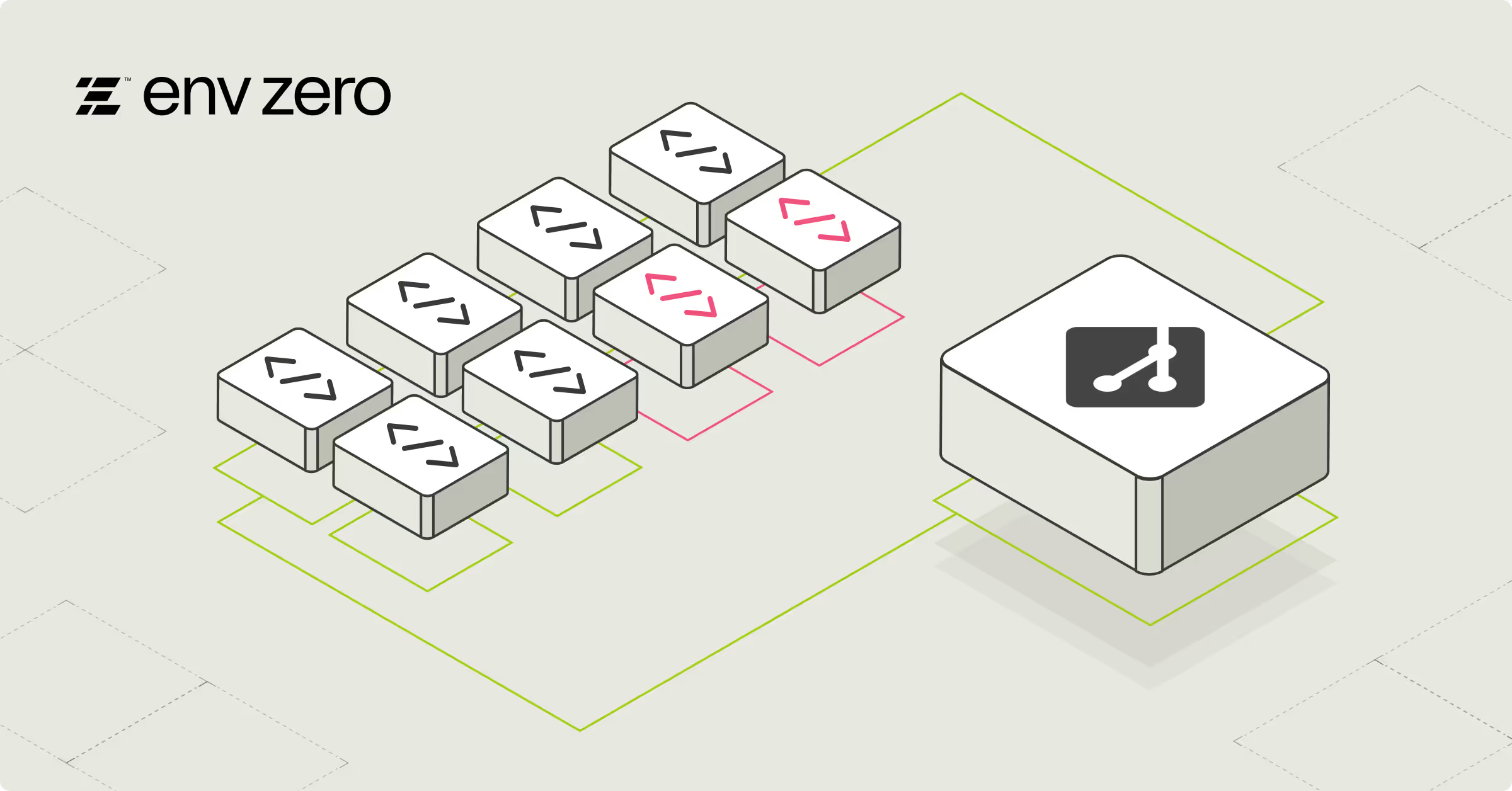
- Version control integration — tools like Git, Terraform, or CloudFormation track every infrastructure change, so any version can be traced and reverted to on demand.
- Environment-specific rollbacks — a failure in staging can trigger an automatic rollback outright, while a failure in production might require an approval step before the rollback proceeds.
- Automated testing before rollback — health checks and pre-deployment tests confirm the previous stable version is still functional before it's restored, so the rollback itself doesn't introduce a new problem.
How to Implement Rollback Automation
Getting rollback automation working reliably comes down to five steps:
- Integrate with CI/CD pipelines. Rollback automation needs to live inside your CI/CD pipeline itself, so a failed deployment triggers an automatic rollback to the previous stable configuration rather than sitting there broken.
- Use version control systems. Maintain a clear history of every change with tools like Git or Terraform, so any deployment can be documented and reverted to a known-good version when needed.
- Define rollback policies. Set explicit criteria for when and how a rollback fires — specific error thresholds, failed tests, or monitoring alerts — plus an escalation path for manual review when needed. These policies should sit inside a broader governance model that also covers version baselines, dependency awareness, and audit trails; see Rollback Control Framework: Ensuring Reliable Recovery Across Infrastructure Deployments for the full structural model.
- Set up automated testing and health checks. Before a rollback fires, confirm the previous version is still valid and operational, so restoring it doesn't introduce a new issue on top of the original failure.
- Monitor and optimize rollback processes. Once automation is live, keep watching its performance, minimize rollback time where possible, and look for further automation opportunities to streamline recovery.
Challenges with Rollback Automation
Rollback automation isn't without friction. Three challenges come up consistently:
- Complexity in large-scale environments. As infrastructure grows, keeping rollback processes consistent across multiple environments, services, and configurations gets harder to manage. Solution: use modular infrastructure and IaC tooling to manage configurations and dependencies at scale, so rollback automation can handle distributed systems without falling apart.
- Ensuring data integrity during rollback. Rolling back infrastructure changes can affect data stored in databases or other stateful services. Solution: pair rollback automation with data backup strategies and transactional rollback mechanisms, such as database snapshots or stateful recovery, so a rollback doesn't quietly corrupt or lose data.
- Over-reliance on automation. Leaning on automated rollbacks without real oversight creates a false sense of security. Solution: always combine rollback automation with real-time monitoring and alerts, so the system's actual state, before and after every rollback, gets verified rather than assumed.
How env zero Supports Rollback Automation
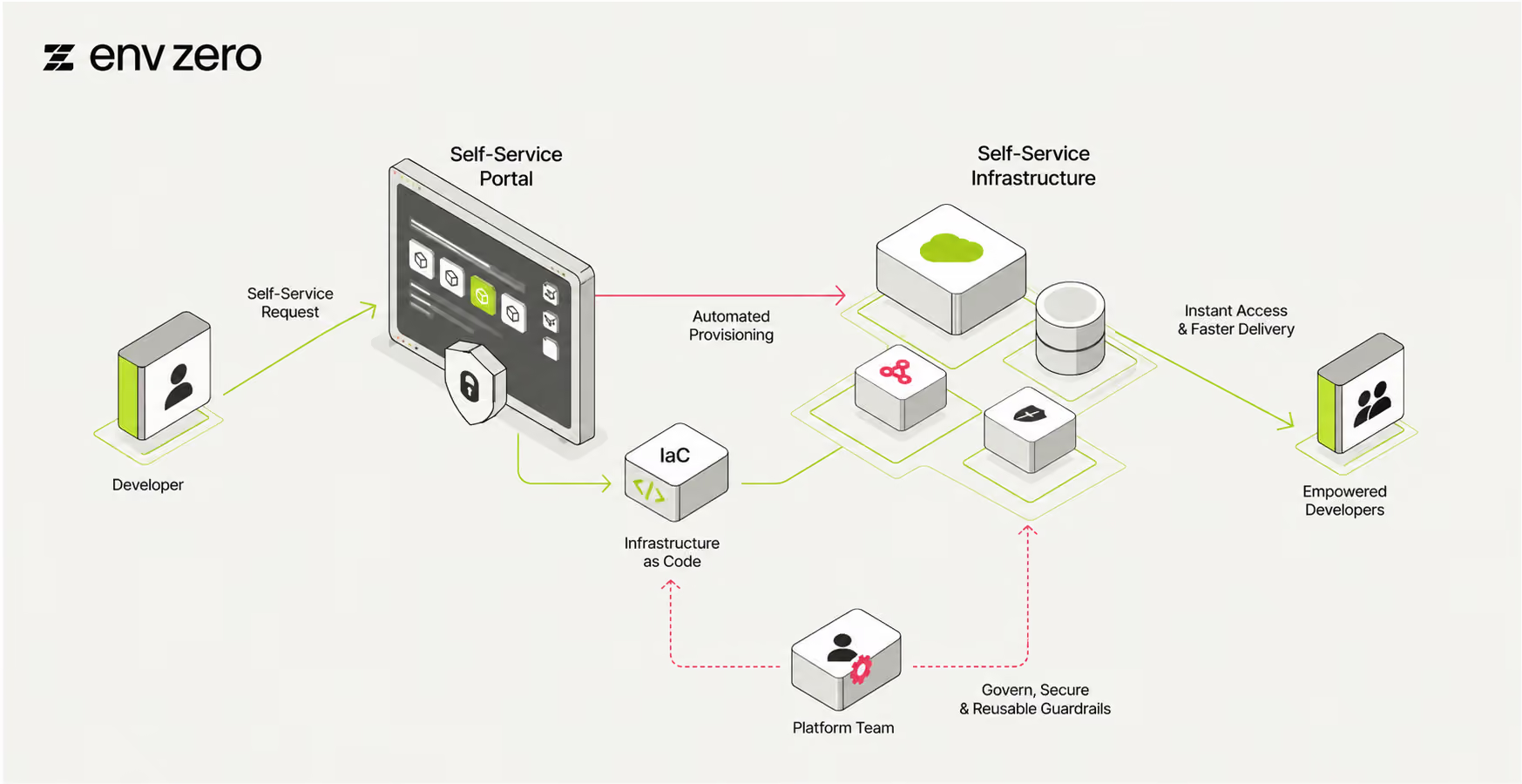
env zero gives platform teams the ability to fully automate their deployment workflows, including rollback, integrating seamlessly with Terraform and other IaC tools to provide built-in support for rollback automation, version control, and policy enforcement. In practice, that means teams can automatically trigger rollbacks on deployment failure, track infrastructure changes through version-controlled IaC templates, enforce governance policies so rollbacks follow organizational standards, and monitor and audit every rollback for full visibility and traceability.
Integrating env zero strengthens the reliability of the entire deployment lifecycle, cutting downtime and keeping operations continuous even when something breaks.
Conclusion
Rollback automation is critical for infrastructure reliability and stability at scale: by automating recovery, platform teams minimize downtime, reduce risk, and raise the overall quality of every deployment. It comes with real implementation challenges, but the payoff — faster recovery, better operational efficiency, and stronger security — makes it a necessity for modern enterprise infrastructure rather than a nice-to-have.
Is your platform ready for automated rollbacks? env zero automates your deployment process end to end and ensures fast, reliable recovery from failures, so you can minimize downtime and streamline infrastructure management without babysitting every deploy.
FAQs
What is rollback automation in infrastructure?Rollback automation is the process of automatically reverting infrastructure to a previous stable state when a deployment fails. It minimizes downtime and ensures continuity by quickly restoring operations without manual intervention.
Why is rollback automation important for enterprise infrastructure?Rollback automation is essential for maintaining uptime and stability in large-scale enterprise environments. It allows platform teams to quickly recover from failed deployments, reducing the impact on users and ensuring continuous service availability.
How does rollback automation reduce downtime?By automatically restoring infrastructure to a stable state after a failure, rollback automation significantly reduces the time spent in downtime. The process is much faster than manual recovery, ensuring systems are back online within minutes instead of hours.
How does env zero support rollback automation?env zero provides rollback automation as part of its deployment workflow, allowing platform teams to automatically revert infrastructure changes when a deployment fails. env zero integrates with Terraform and other IaC tools to ensure consistent rollback across environments.
What challenges come with rollback automation?Challenges with rollback automation include managing complexity in large-scale environments, ensuring data integrity during rollback, and avoiding over-reliance on automation without proper monitoring. These can be addressed with modular infrastructure, data backups, and real-time monitoring.
How does version control support rollback automation?Version control allows platform teams to track changes to infrastructure configurations and ensure that the correct stable version is restored during a rollback. Tools like Git, Terraform, and env zero enable version control for both code and infrastructure.









.avif)