.svg)
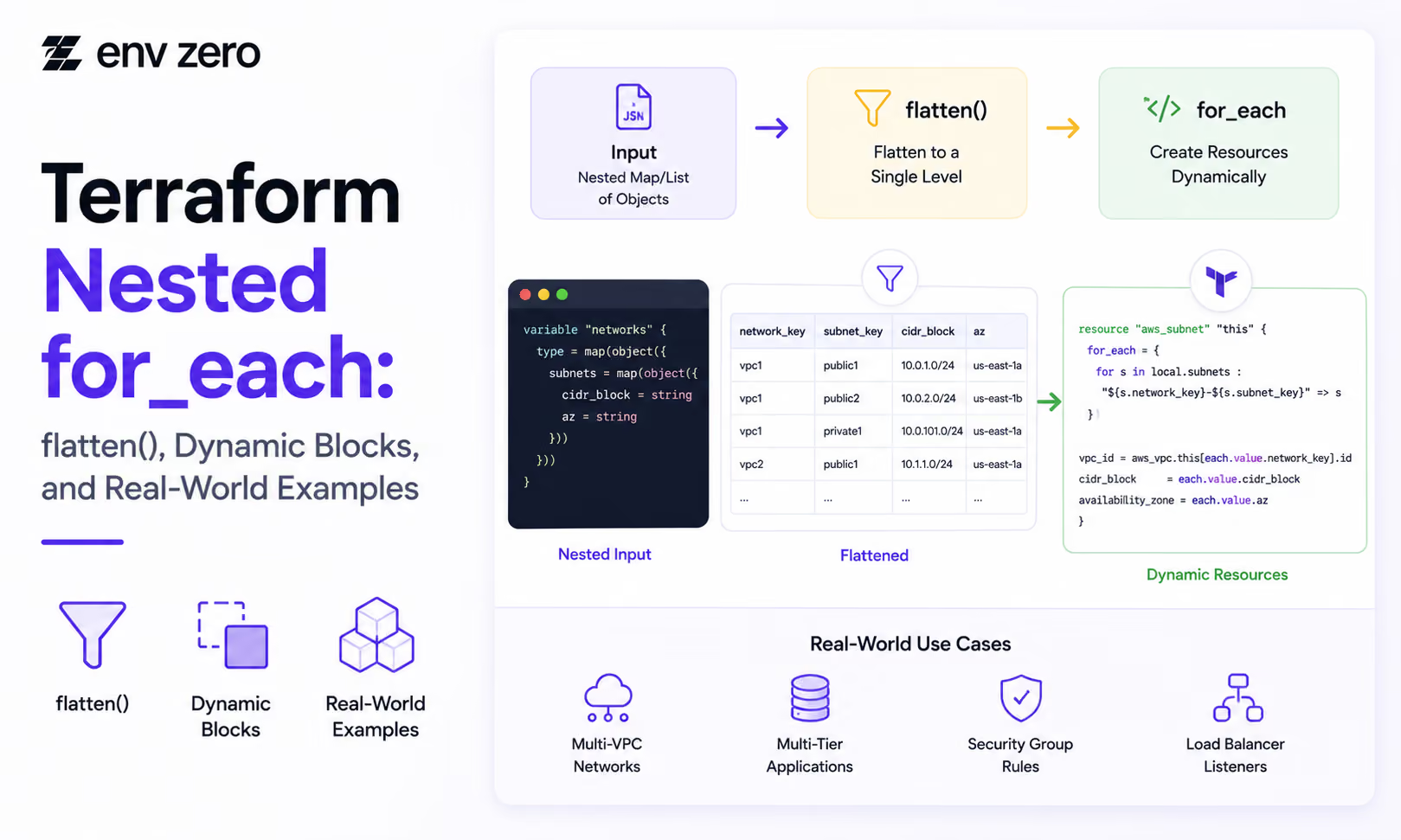

Terraform nested for each patterns help teams work with complex infrastructure data without duplicating code.
A simple for_each works well when you are creating resources from a flat map or set. But real Terraform modules often need to handle nested structures, such as networks with subnets, teams with repositories, applications with environments, or security groups with multiple rules.
This is where many teams get stuck. Terraform needs a clean collection for_each, but your input data may be nested several levels deep.
The solution is usually to reshape the data first with flatten(), for expressions, and locals, or to use dynamic blocks when the nested data belongs inside a single resource.
This guide explains how Terraform nested for_each works, when to use flatten(), when to use dynamic blocks, and how env zero helps teams govern reusable Terraform workflows at scale.
Why Terraform Nested for_each Matters
The for_each meta-argument lets Terraform create multiple resource or module instances from a map or set.
It is useful because each instance gets a stable key, which makes plans easier to understand and reduces the risk of changes caused by list reordering.
For example, creating resources from a map of environments is cleaner than creating them with index-based count.
Each environment can be tracked by name, such as dev, staging, or prod.
Nested for_each becomes important when a single level is not enough. A platform team may define a map of applications, and each application may include multiple environments.
A networking module may define multiple VPCs, and each VPC may include multiple subnets.
In those cases, Terraform needs the nested data transformed into a predictable structure before resources can be created safely.
Simple for_each Example
A simple for_each starts with a flat map. This is the easiest and safest pattern for most resources.
variable "environments" {
type = map(object({
instance_type = string
}))
}
resource "aws_instance" "app" {
for_each = var.environments
ami = "ami-123456"
instance_type = each.value.instance_type
tags = {
Name = each.key
}
}
This pattern works because every environment has a clear key. Terraform can track each resource instance by that key. If you add a new environment, Terraform only adds that instance instead of shifting indexes across the whole collection.
The Nested Data Problem
Nested data is common in real-world modules. For example, a team may define networks and subnets in one input variable.
variable "networks" {
type = map(object({
cidr_block = string
subnets = map(object({
cidr_block = string
az = string
}))
}))
}
This structure is good for humans because it groups subnets under the network they belong to. But a subnet resource needs one item per subnet.
Terraform cannot directly create subnet resources from two nested map levels unless the data is reshaped first.
That is where flatten() and locals help.
Using flatten() for Nested for_each
The flatten() function turns nested lists into a single flat list. For Terraform nested for_each, the common pattern is to loop through the parent map, loop through the child map, create a list of child objects, and then flatten the result.
locals {
subnet_list = flatten([
for network_key, network in var.networks : [
for subnet_key, subnet in network.subnets : {
key = "${network_key}-${subnet_key}"
network_key = network_key
subnet_key = subnet_key
cidr_block = subnet.cidr_block
az = subnet.az
}
]
])
}
This creates a flat list where every subnet includes the context it needs. Each subnet still knows which network it belongs to, but the structure is now easier to use for resource creation.
Turning Flattened Lists Into Maps
A resource-level for_each usually works best with a map because map keys become Terraform resource addresses.
After flattening the nested list, convert it into a map with stable keys.
locals {
subnet_map = {
for subnet in local.subnet_list :
subnet.key => subnet
}
}
Now the subnet resource can use for_each safely.
resource "aws_subnet" "example" {
for_each = local.subnet_map
vpc_id = aws_vpc.example[each.value.network_key].id
cidr_block = each.value.cidr_block
availability_zone = each.value.az
tags = {
Name = each.key
}
}
This is the core Terraform nested for_each pattern: keep input data readable, reshape it with locals, convert it into a stable map, and then use that map for resource creation.
Why Stable Keys Are Important
Stable keys are one of the most important parts of Terraform for_each.
Terraform uses those keys to track resources in state.
A good key is based on real infrastructure identity, such as environment, network, subnet, region, team, or application name. A risky key is based on list position or generated order.
For example, this key is clear:
"${network_key}-${subnet_key}"
This type of key helps Terraform keep resource addresses stable, such as:
aws_subnet.example["prod-private-a"]
Stable keys also make reviews, imports, and troubleshooting easier. If your team uses terraform import, clear keys make it easier to map real infrastructure into the correct Terraform state address.
When to Use Dynamic Blocks
A Terraform dynamic block is useful when the repeated nested data belongs inside one resource.
Security group rules, lifecycle rules, origin settings, and nested configuration blocks are common examples.
resource "aws_security_group" "app" {
name = "app-sg"
dynamic "ingress" {
for_each = var.ingress_rules
content {
from_port = ingress.value.from_port
to_port = ingress.value.to_port
protocol = ingress.value.protocol
cidr_blocks = ingress.value.cidr_blocks
}
}
}
Use dynamic blocks when Terraform expects repeated child blocks inside a resource. Use resource-level for_each when each item should be its own managed resource with its own lifecycle.
This distinction helps teams avoid overly complex modules. If a nested item needs independent state, lifecycle, imports, or dependencies, it should usually be a separate resource.
Real-World Example: Applications and Environments
Nested for_each is useful when teams manage multiple applications across multiple environments.
variable "apps" {
type = map(object({
environments = map(object({
size = string
}))
}))
}
A flattened local can create one deployable object per application and environment.
locals {
app_envs = flatten([
for app_key, app in var.apps : [
for env_key, env in app.environments : {
key = "${app_key}-${env_key}"
app = app_key
env = env_key
size = env.size
}
]
])
app_env_map = {
for item in local.app_envs :
item.key => item
}
}
This gives the module a predictable structure. Each application environment can be created, reviewed, and managed independently.
Common Mistakes to Avoid
A common mistake is using a list when a map would be safer. Lists can cause problems when ordering changes. Maps give each item a stable identity.
Another mistake is flattening data without creating a unique key. If the key is not unique, Terraform cannot safely track each resource instance.
Teams also overuse dynamic blocks when separate resources would be clearer. Dynamic blocks are helpful, but they should not hide infrastructure that needs its own lifecycle.
Terraform Cloud, Atlantis, and Team Workflows
Nested for_each patterns matter more in team workflows. In Terraform Cloud, Atlantis Terraform workflows, or other CI/CD systems, code clarity affects plan reviews and approvals.
If a module creates many resources from nested data, reviewers need stable keys and readable locals to understand what is changing. Poorly structured loops can make plans harder to trust.
This is also where teams compare env zero vs Terraform Cloud. The issue is not only where Terraform runs.
Platform teams need governance around approvals, RBAC, drift detection, cost visibility, and audit logs. env zero helps teams manage reusable Terraform workflows with those controls in place.
Conclusion: Shape Data Before Creating Resources
Terraform nested for_each works best when teams shape the data before creating resources.
Start with readable input, use flatten() and locals to create a flat structure, convert that structure into a stable map, and then use for_each.
Use dynamic blocks only when repeated nested content belongs inside one resource. Use resource-level for_each when each item needs its own lifecycle.
This approach helps platform teams build cleaner modules, safer plans, and more reusable Terraform workflows.
Build Governed Terraform Workflows With env0
env0’s IaC Platform & Terraform Automation service helps teams run Terraform workflows with approvals, RBAC, policy controls, drift detection, cost visibility, and audit logs.
Talk to env0 to govern reusable Terraform modules and scale infrastructure delivery safely across teams.
FAQs
What is Terraform nested for_each?
Terraform nested for_each is a pattern for creating resources from nested input data. Teams often use flatten(), for expressions, and locals to reshape nested data into a flat map.
Can Terraform for_each use nested maps directly?
Terraform can use maps with for_each, but deeply nested maps usually need to be transformed first. A resource typically needs one clear item per resource instance.
When should I use flatten() in Terraform?
Use flatten() when nested lists need to become one flat list before being converted into a map for for_each.
When should I use a Terraform dynamic block?
Use a dynamic block when repeated nested data belongs inside one resource, such as security group rules or lifecycle rules.
Why are stable keys important for for_each?
Stable keys help Terraform track resources in state. If keys change, Terraform may plan to destroy and recreate resources unexpectedly.
How does env zero help with Terraform workflows?
env zero helps teams govern Terraform workflows with approvals, RBAC, drift detection, cost visibility, audit logs, and policy controls.

Related Content
IaC Self-Service Enablement Guide: Templates, Guardrails, and Golden Paths for Developer Teams
OpenTofu Adoption Guide: State Encryption, Provider for_each, and Features Terraform Doesn't Have
Terragrunt Anti-Patterns: Common Mistakes and How to Fix Them at Scale
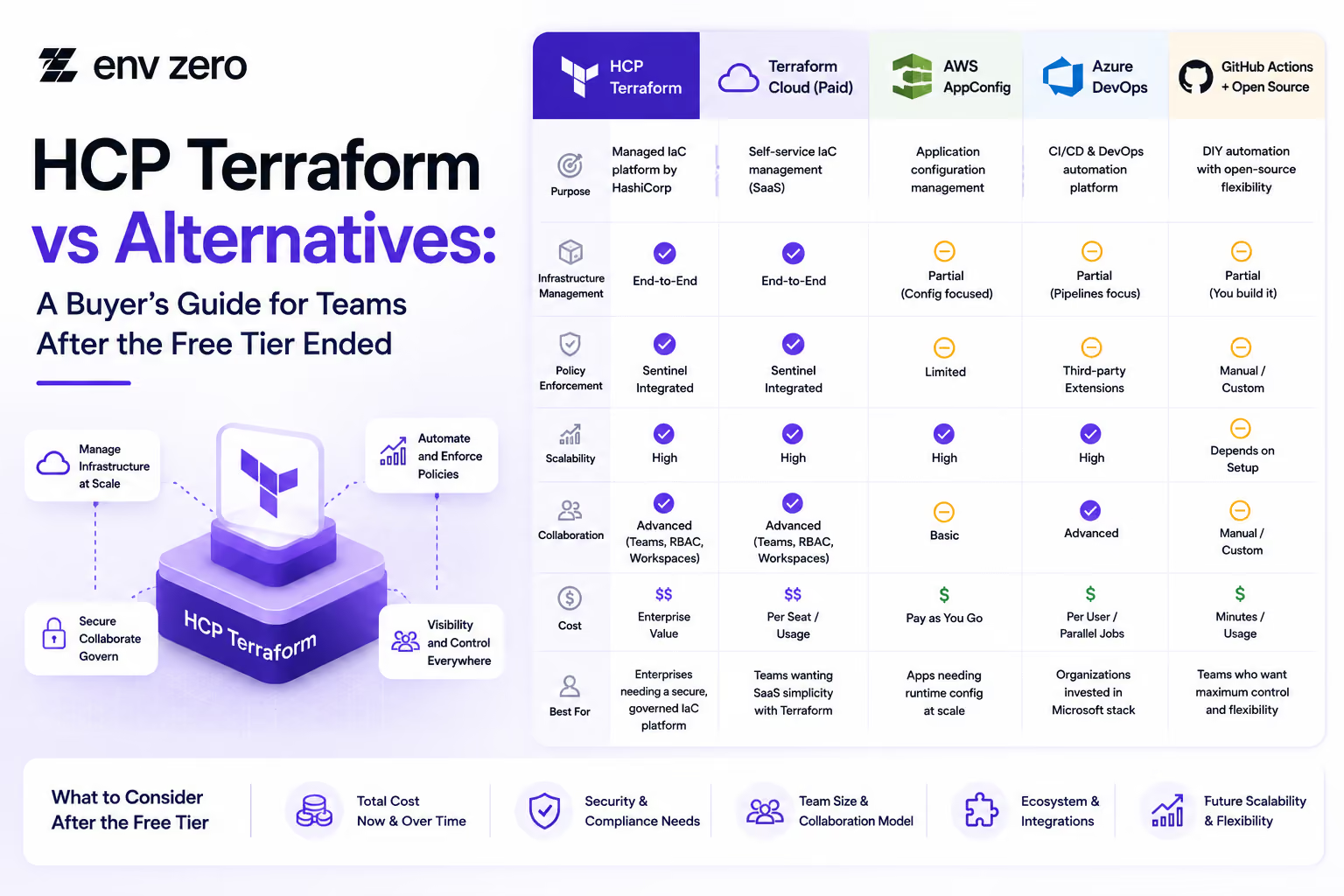
HCP Terraform vs Alternatives: A Buyer’s Guide for Teams After the Free Tier Ended
Terraform Nested for_each: flatten(), Dynamic Blocks, and Real-World Examples

How to Install Terragrunt and Set Up Your First Multi-Environment Project (2026 Edition)
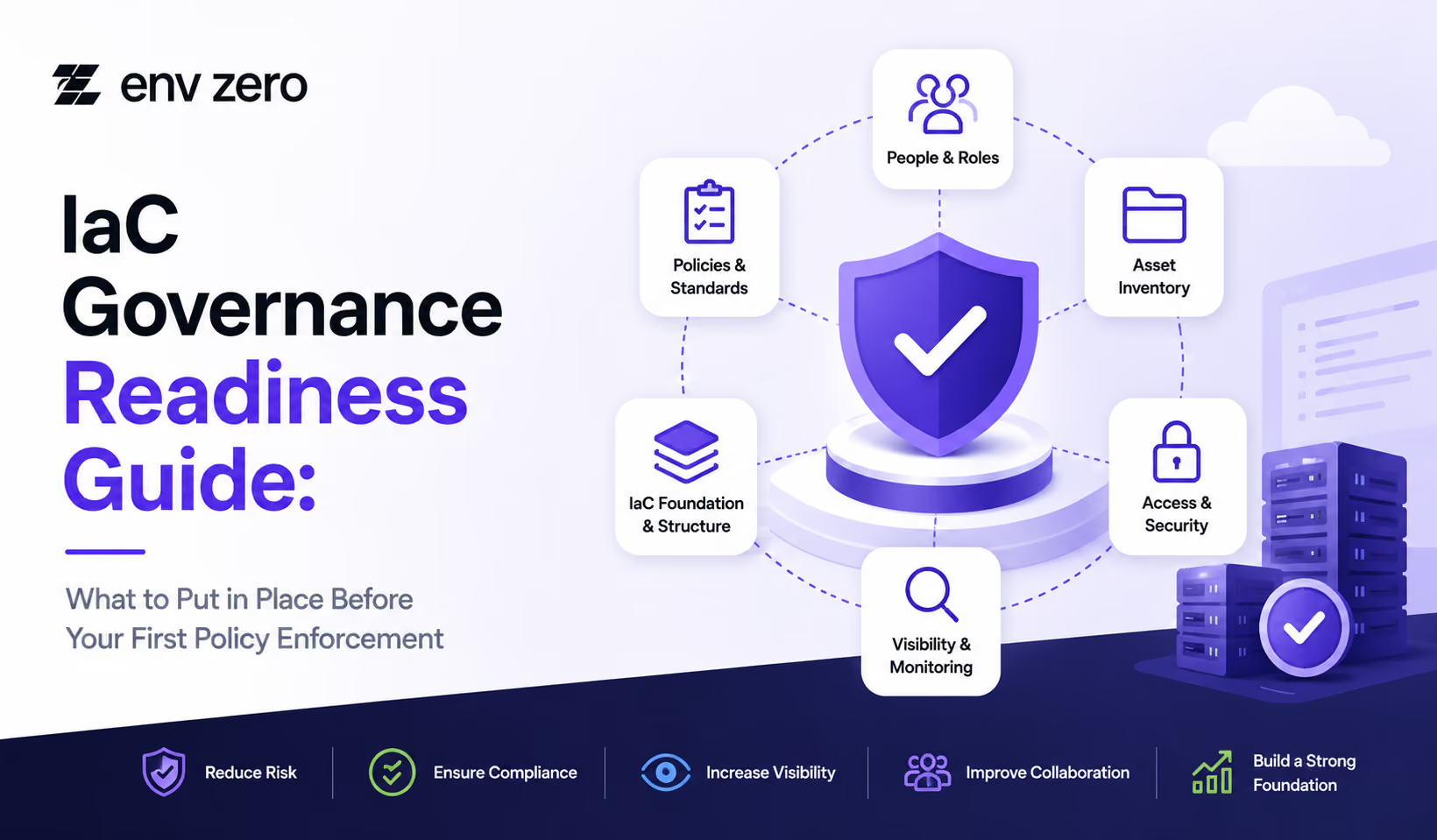
IaC Governance Readiness Guide: What to Put in Place Before Your First Policy Enforcement
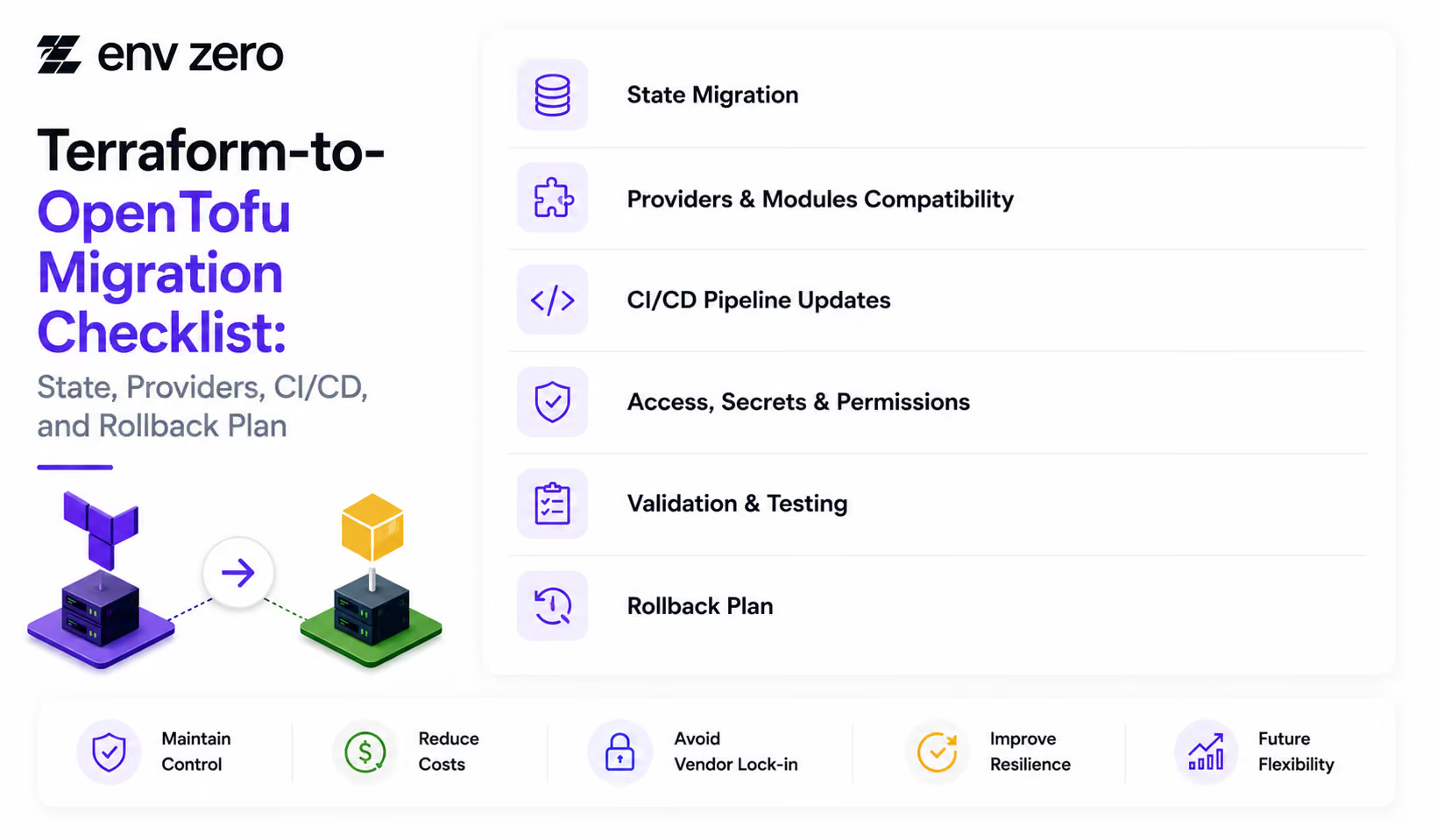
Terraform-to-OpenTofu Migration Checklist: State, Providers, CI/CD, and Rollback Plan
Terraform Alternatives Checklist: 12 Questions to Ask Before You Switch
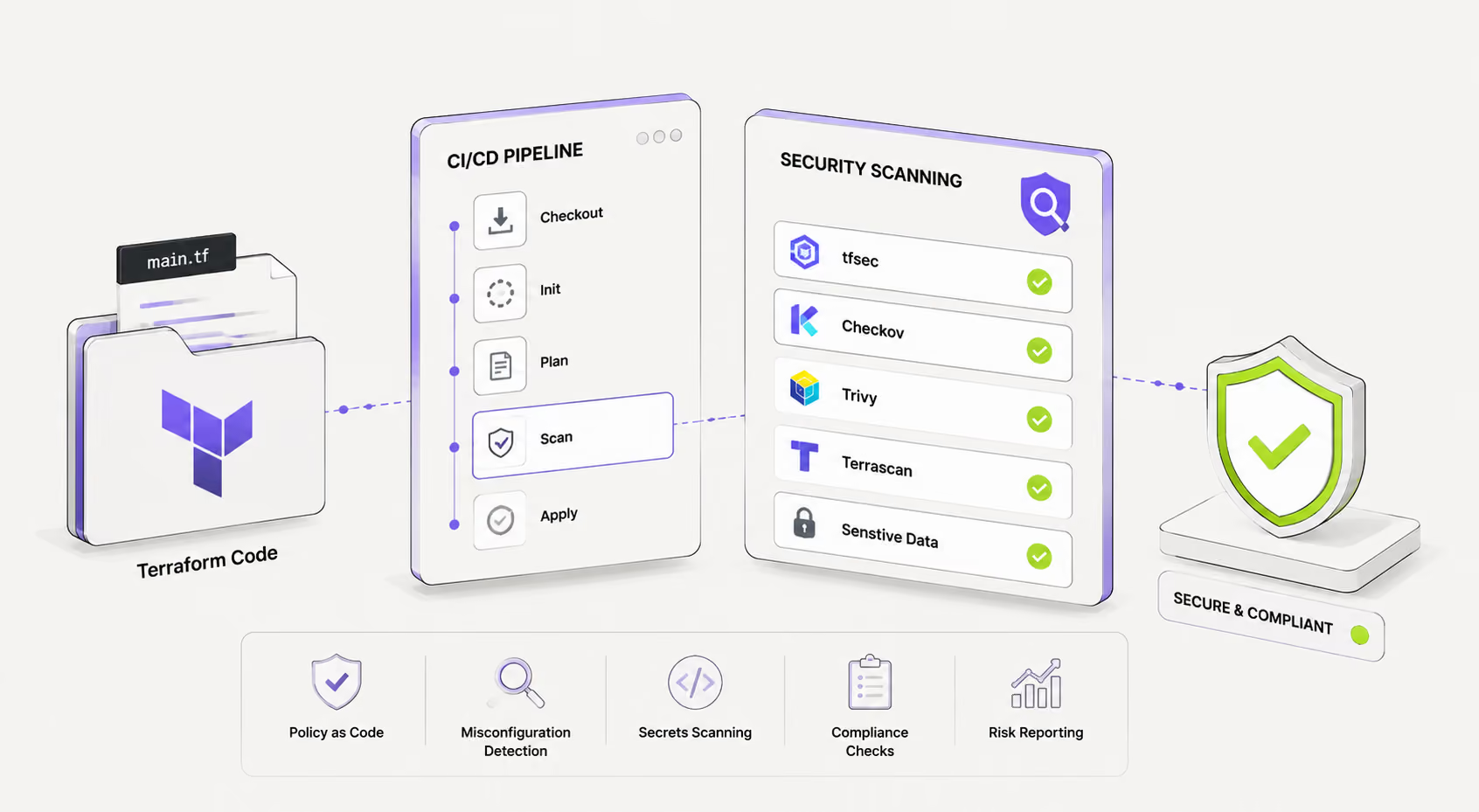
Terraform Security Scanning: Tools and CI/CD Integration Guide
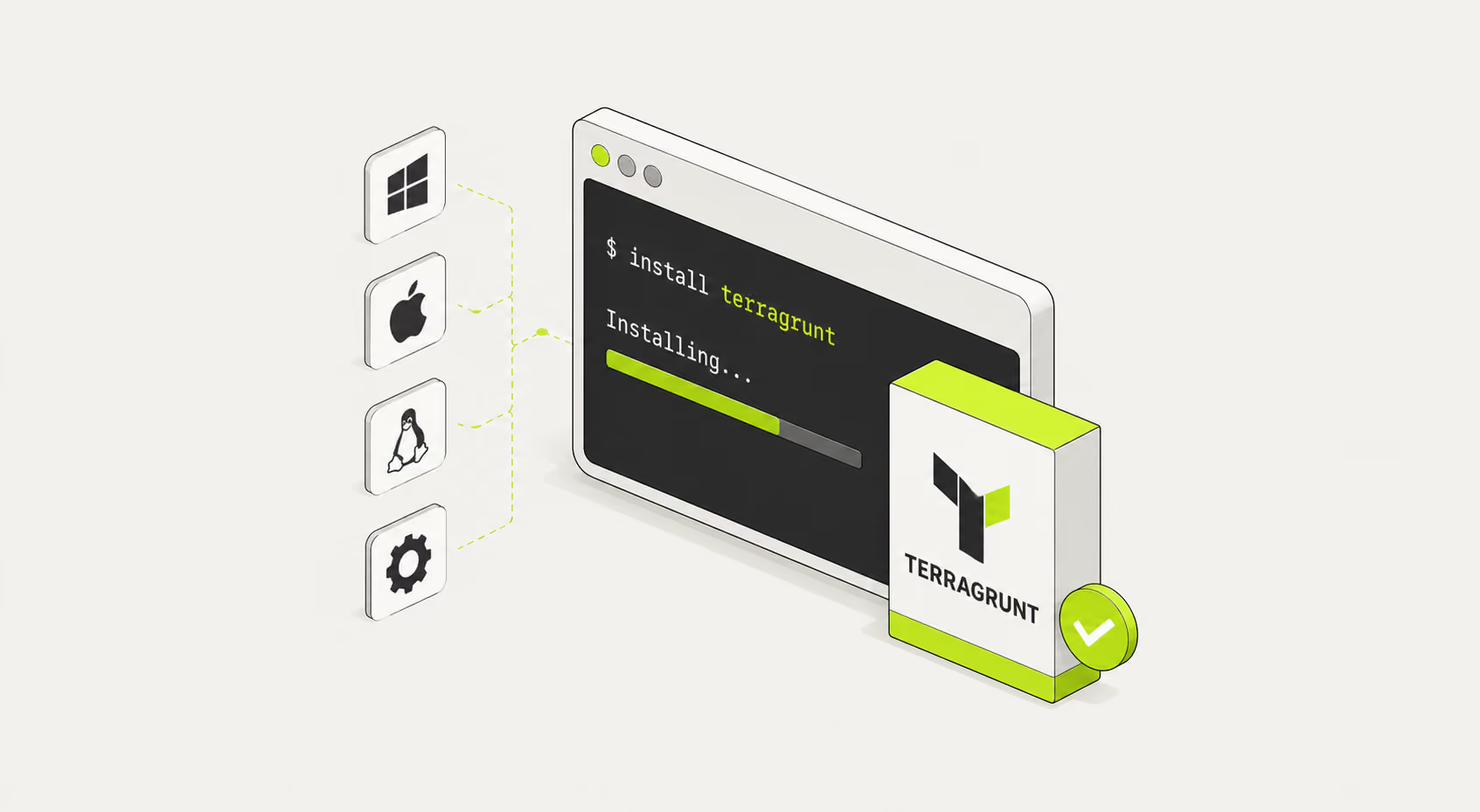
How to Install Terragrunt: Quick Setup Guide for All Platforms 2026

Cloud Governance Checklist: 30 Controls Every Platform Team Should Have

What Is OpenTofu? The Open Source Terraform Fork Explained 2026

The Import Block in Terraform: Declarative Import with Examples 2026

OpenTofu vs Terraform: Full Comparison for Platform Teams 2026

Terraform State File: Structure, Management & Troubleshooting Guide

How to Import Terraform Modules and Resources Into Existing State
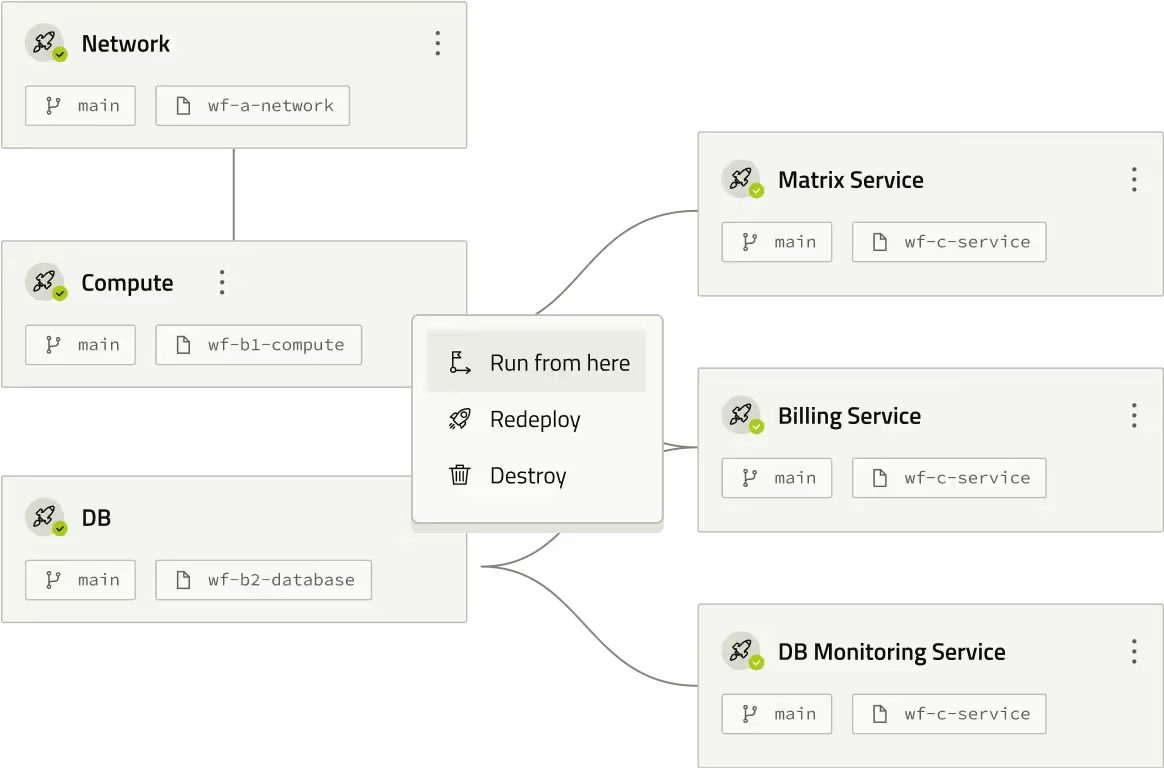
Terraform Backend Config: Syntax, Examples & Partial Configuration Guide

How to Configure an S3 Backend in Terraform (With DynamoDB Locking)
Cloud Governance Checklist for Enterprise Teams

Risk Review Checklist for Cloud Governance
Cost Visibility Checklist for Cloud Governance

Policy Rollout Checklist for Cloud Governance

Approval Design Checklist for Enterprise Infrastructure Teams

Drift Risk Checklist for Cloud Operations

Accountability Setup Guide for Cloud Risk Management

FinOps Control Checklist for Multi-Cloud Environments
Enterprise Release Readiness: Preparing Infrastructure for Production Success

Ownership Mistakes in Deployment Teams
Policy Check Examples: Enforcing Control and Consistency in Infrastructure
Audit Trail Setup Guide: Maintaining Compliance and Security Across Your Infrastructure

Release Control Checklist Ensuring Consistency and Compliance Across Environments

Drift Prevention Checklist for Maintaining Consistency Across Environments

Pipeline Visibility Checklist: Ensuring Full Transparency Across Deployment Workflows

Approval Delay Troubleshooting Guide: Fixing Bottlenecks in Infrastructure Workflows
Rollback Readiness Checklist: Ensuring Fast and Reliable Recovery Across Environments
Deployment Automation Checklist: Ensuring Consistent and Reliable Infrastructure Delivery

Service Catalog Rollout Checklist for Platform Teams
Infrastructure Template Review Checklist

3 Approval Bottlenecks Slowing Infrastructure Teams

Checklist: Building Trust in Self-Service Infrastructure Rollout
Self-Service Infrastructure Readiness Checklist for Platform Teams

3 Policy Guardrails Every Platform Team Should Implement First
5 Golden Path Mistakes That Slow Platform Adoption
5 Governance Ownership Mistakes in Platform Teams
Which Metrics Prove Platform Engineering ROI?
How Approval Workflows Improve Developer Experience Without Sacrificing Control

Supercharging IaC With AI for Next-Gen Infrastructure Efficiency

Pulumi vs Terraform vs OpenTofu: Side-by-Side Feature, Licensing, and Migration Comparison (2026)