
.svg)

Today we’re excited to announce our latest plugin which enables Backstage users to manage Infrastructure as Code (IaC) workflows directly within their developer platform. With this new official integration option, developers can deploy and manage IaC assets just like they manage application software and other resources, right from the familiar Backstage interface.
The key promise of this integration is to enhance env0’s self-service cloud provisioning , a cornerstone of our platform. The new plugin makes all of env0’s self-service features easily accessible to teams using Backstage, empowering engineers to deploy infrastructure independently and at speed.
Moreover, for infrastructure and platform engineering teams, this integration also unlocks the full potential of env0’s governance features, including runtime policies and cost controls. Together, these create a 'golden path' for IaC usage, upholding best practices, security, and compliance standards.
Here is a closer look at some key use cases:
For engineers deploying in a self-service model
- Streamline cloud provisioning with Backstage templates
- Easily spin up ephemeral environments for debugging
- Discover IaC environments quickly in the Backstage catalog
- Access detailed environment views, including deployment history
For teams responsible for infrastructure and cloud operations
- Enable teams to create and manage IaC environments directly from Backstage
- Customize Backstage templates to fit organizational needs
- Use envzero governance features to uphold security and compliance, and optimize costs
How It Works
The plugin is available in this public repository and enables managing environments in envzero directly within Backstage. Once installed, the plugin provides several capabilities, as described below.
Create New Environments Using Backstage Templates
The envzero plugin enables users to create environments using templates preconfigured by Backstage admin. To streamline the deployment flow, admins can customize a series of form questions to define the required inputs, such as environment names and variable values. This helps users deploy environments with ease, through a structured and easy-to-follow process.
Once submitted, envzero handles the deployment behind the scenes, and the environment is automatically registered in Backstage for tracking and management.
.png)
Importantly, within this process, sensitive variables will be flagged with a warning icon, ensuring that they can be clearly identified and handled in accordance with their respective privacy policies.
Search, Filter, and Browse Environments
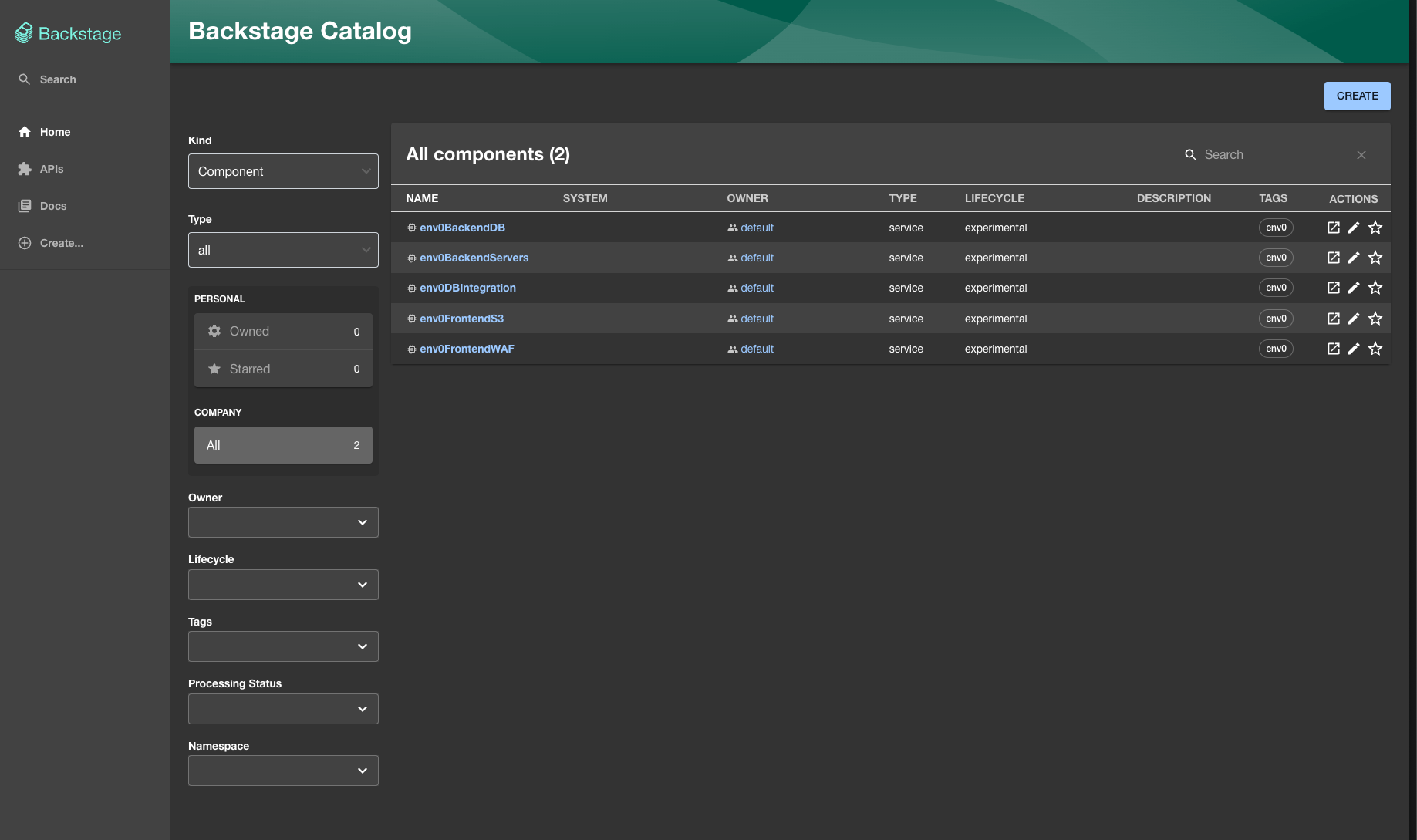
All environments deployed through envzero are listed in the Backstage catalog. This enables users to browse through environments using filters (e.g., tags or owners) and search queries. Doing so makes it easy to locate specific environments and manage them alongside other resources.
Access Detailed Environment Views
To access detailed environment information, users can start with the Overview tab, where they see the environment’s status and general information.
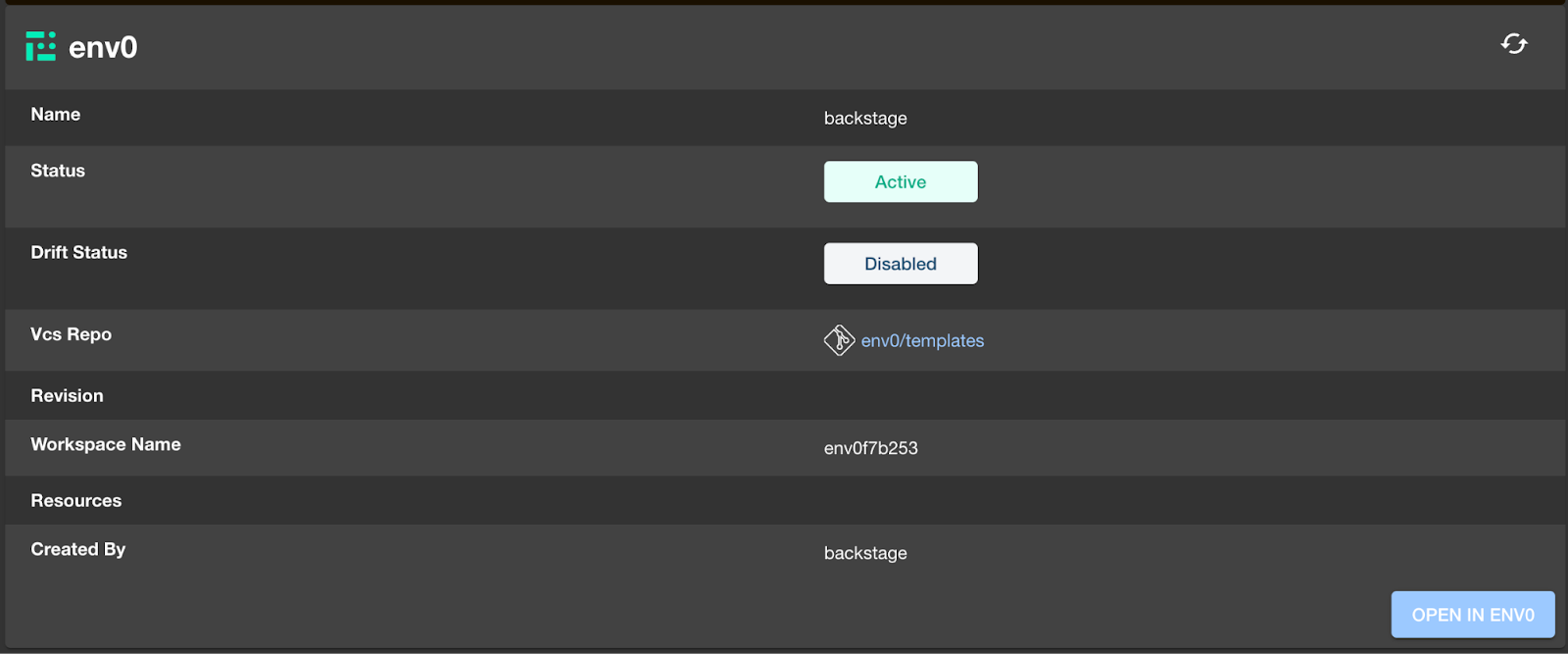
They can then navigate to the envzero tab to review deployment history, including statuses, timestamps, resource changes for each deployment, and check for any errors

If infrastructure adjustments or fixes are needed, users can update their previous form answers in the envzero tab and redeploy to apply the changes to the environment.

Final Thoughts
Today's release addresses a popular demand from our customers and improves on custom integrations some built using the envzero API. Now, with an official plugin, all customers have access to a fully maintained solution, eliminating the effort and complexities of custom development.
The new plugin allows admins to ensure compliance and uphold best practices, while developers gain autonomy to manage IaC workflows in a self-service model—creating environments, viewing deployment history, and monitoring infrastructure—all within the familiar Backstage interface.
Want to learn more? Schedule a technical demo to see envzero in action.

Related Content

Accelerated Migration from HCP Terraform (Terraform Cloud) with env zero Migration Wizard
.avif)

Which IaC Scanning Tool is the Best?: Comparing Checkov vs tfsec vs Terrascan

Full SCIM Provisioning: Group changes now reach env zero without waiting for a login


Terraform Bulk Import: Finding Unmanaged Resources at Scale

Terraform Path Values: path.module, path.root, and path.cwd Explained

Introducing the env zero Free Tier: full-featured IaC orchestration, free forever